AI Agents Project Management 2026: monday.com, Asana, ClickUp and Linear Compared
AI agents project management 2026 options include monday.com Expert Agents, Asana AI Teammates, ClickUp Super Agents and Linear Agent. This guide outlines capabilities, pricing and team fit.
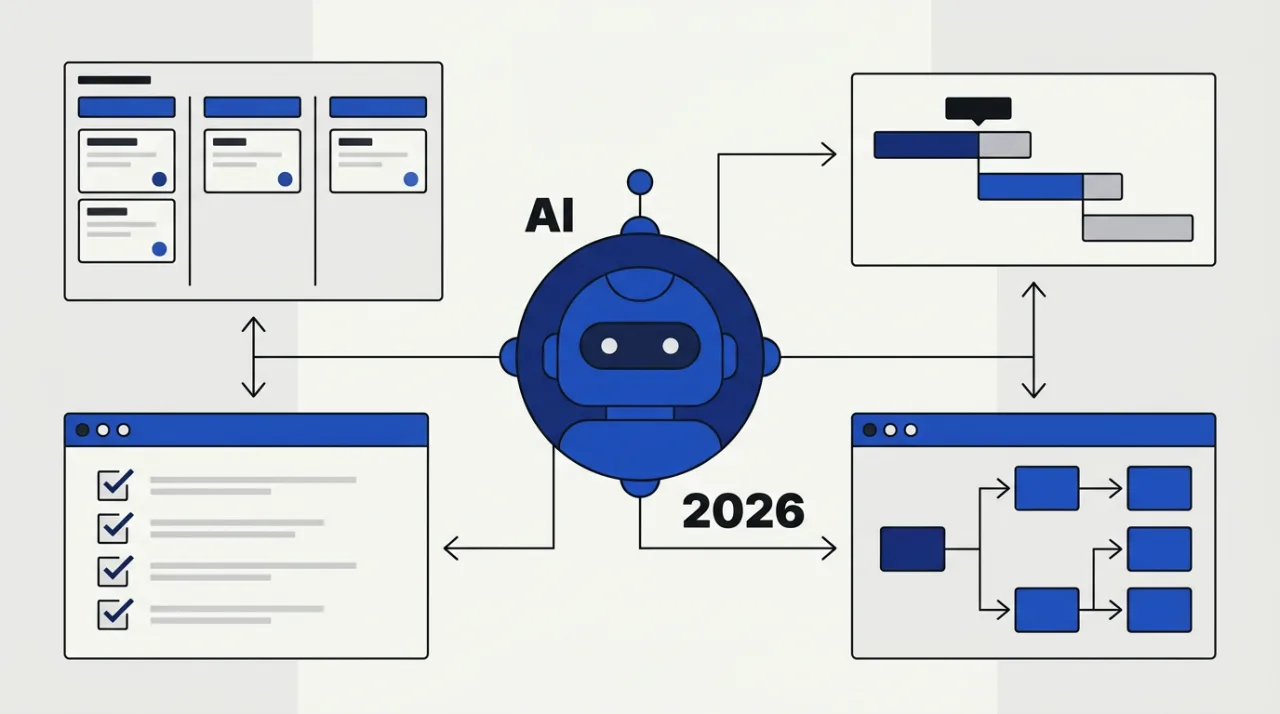
AI agents project management 2026 now centers on four established platforms that embed autonomous agents into task tracking and workflows. monday.com, Asana, ClickUp and Linear each supply agents that handle triage, reporting, drafting and execution while requiring human oversight. Users gain measurable time savings on routine work when agents operate within existing permissions and data graphs.
AI Agents Project Management 2026 Capabilities Across Platforms
monday.com introduced its AI Work Platform in May 2026 with Expert Agents that monitor boards, route tasks, score leads and generate status reports. These agents function as named teammates with avatars, access workspace context and follow scoped permissions, activity logs and undo options. Sidekick and the Vibe app builder extend agent reach into custom automations.
Asana provides more than 30 prebuilt AI Teammates for research, planning and risk reviews plus Asana Dash as a personal chief of staff. The Work Graph supplies context for governed actions, and AI Studio lets teams build Smart workflows that embed agents into structured projects and portfolios. Human-in-loop rules remain central to all deployments.
ClickUp combines Brain² chat with multi-model support and Super Agents that manage tasks, docs, calendars and external integrations such as Salesforce. Role-based agents support multi-agent orchestration and browser actions, while capacity checks and weekly feature updates keep the surface broad for all-in-one teams.
Linear Agent operates on every plan and handles issue creation, updates, summaries and code sessions via chat or mentions. Triage Intelligence on Business+ plans auto-suggests assignees and duplicates, Loops run recurring automations, and Code Intelligence writes and tests code in a sandbox before returning diffs. Deep Git and MCP integration suit engineering teams.
Pricing Structures and AI Credit Limits
Access to agents depends on plan level and monthly credit allowances that reset under yearly billing. monday.com starts AI features at the Basic tier of $9 per user with 1,000 credits, while Pro at $19 supplies 3,000 credits and workflow tools. Asana bundles AI Teammates on Starter plans at $10.99 per user with 5 requests monthly per user and 50,000 Studio credits per account. ClickUp includes agent credits on Core plans at $9 per user with 1,000 pooled credits and higher tiers up to 10,000. Linear keeps core agent chat free across all plans, though coding sessions and Loops draw prepaid tokens at roughly $0.07 to $0.20 per run.

| Platform | Entry Paid Plan | AI Credits or Requests | Advanced Agent Tools |
|---|---|---|---|
| monday.com | $9 (Basic) | 1,000 credits/mo | Expert Agents, Sidekick |
| Asana | $10.99 (Starter) | 5 requests/user/mo | AI Teammates, AI Studio |
| ClickUp | $9 (Core) | 1,000 credits/user/mo | Super Agents, Brain² |
| Linear | $10 (Basic) | Free chat; credits for Loops | Triage, Code Intelligence |
Credits remain pooled or account-wide in most cases, and extra requests on Asana cost about $0.50 each. Free tiers exist on every platform but exclude meaningful agent capacity except for Linear chat.
Selecting the Best Platform for Specific Team Needs
Engineering and product teams focused on code and Git workflows gain the most from Linear Agent and its sandbox testing. Structured business teams that track portfolios and risk prediction see stronger results with Asana AI Teammates and reporting agents. monday.com suits cross-department operations that need visual boards and custom agent builders. ClickUp fits groups already using its full workspace for tasks, docs and calendars, though the learning curve is steeper.
Pilots on each platform remain the clearest way to measure agent accuracy within existing processes. All four tools log agent actions and allow human review before execution, reducing risk of unintended changes.
Frequently asked questions
Which platform gives the strongest coding agent in 2026?
Linear Agent includes sandbox code writing and testing on paid plans with direct Git integration. It returns diffs and pull requests after each session.
Do free plans include usable AI agents?
Linear provides chat access on Free. monday.com, Asana and ClickUp restrict agents to paid tiers with credit limits.
How do credit systems affect daily use?
monday.com and ClickUp pool credits across users. Asana caps requests per user while Linear charges only for Loops and code sessions at token cost.
Can agents act without human approval?
All four platforms require human oversight through permissions, logs and undo functions before final execution.
Comments 6