AI Productivity Tools 2026: Lark, Notion AI and Reclaim Compared
Lark, Notion AI and Reclaim offer distinct AI approaches for productivity. This guide outlines their 2026 features, pricing and practical use cases.
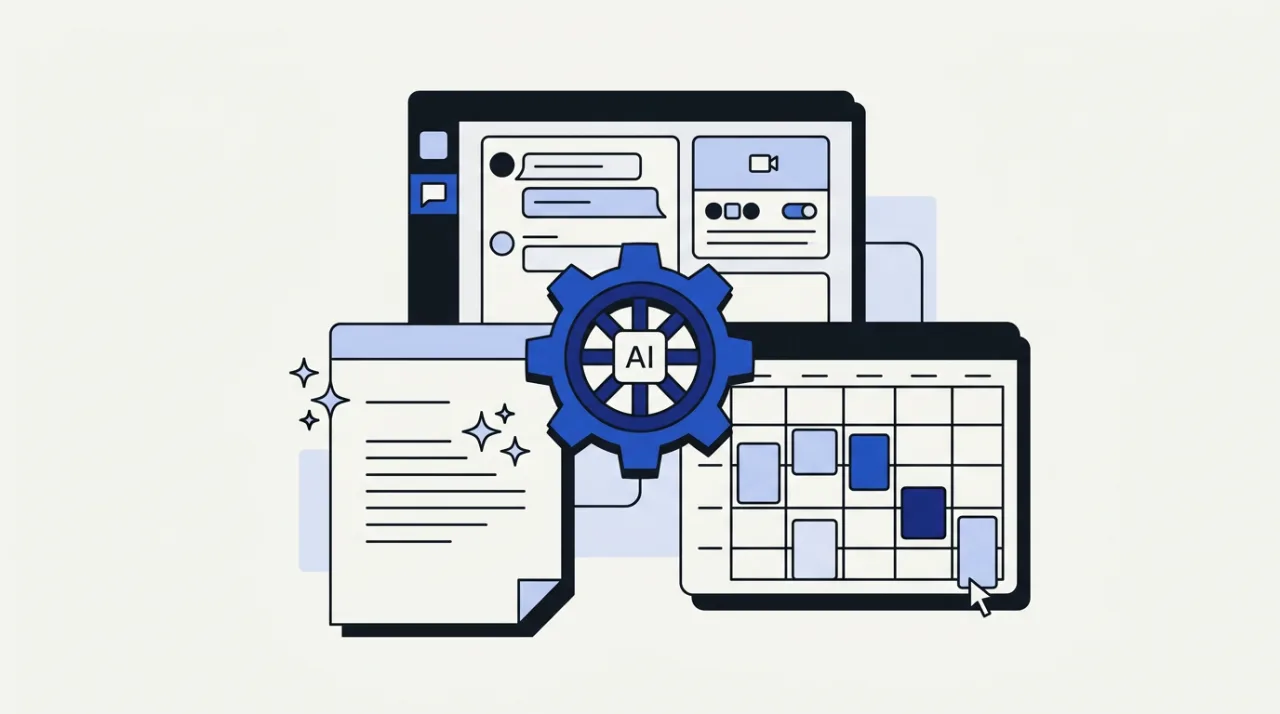
Teams evaluating AI productivity tools 2026 have three established options that address different workflow layers. Lark combines chat, documents and project management with built-in agents. Notion AI focuses on autonomous agents inside existing workspaces. Reclaim automates calendar time blocking on top of Google or Outlook.
Each platform released significant agent updates in October 2026. Choices now depend on whether a team needs a single suite, deep document agents or protected focus time. The sections below detail current capabilities, pricing tiers and typical deployment scenarios.
AI Productivity Tools 2026: Core Capabilities Across Lark, Notion and Reclaim
Lark integrates AI across every module. Meeting transcripts generate action items with assignees automatically. Documents and chat threads support natural-language questions and summaries. Base databases accept AI suggestions for data analysis, and agents can be deployed in roughly one minute to handle approvals or follow-ups. A command-line interface offers more than 200 commands and 26 agent skills for external connections. Real-time translation covers English, Mandarin and additional languages during calls and chats.
Notion AI agents received a major rebuild on 19 October 2026. They now run tasks longer than 24 hours, maintain dedicated browser and computer contexts, and include a safety review mode. An automatic model router selects among more than 20 models to balance cost and quality. Users can create agents that edit Office files and PDFs directly, with connectors available to 150 external tools. New credit pools apply per member and do not roll over.
Reclaim operates as an overlay on existing calendars. Its agents protect weekly focus-time goals, schedule recurring tasks from Asana or Jira, and insert buffers around meetings. Reclaim 2.0 added an in-app chat assistant and preview mode for proposed schedule changes. The platform syncs Slack status and produces usage analytics, but it contains no native documents or wiki features.
| Tool | Primary Strength | Agent Runtime | Popular Plan Price (annual, per user/month) | Key Limitation |
|---|---|---|---|---|
| Lark | Unified suite with PM, chat, docs | ~1 minute deployment | Pro $12 | AI credit details not public |
| Notion AI | Long-running agents in workspace | Over 24 hours | Business $20 | Credits per-member, no rollover |
| Reclaim | Calendar time blocking | Background rebalancing | Business $15 | No native mobile apps or docs |
Choosing Between Integrated Suites, Document Agents and Calendar Layers
Organizations already using multiple separate tools often select Lark to reduce context switching. Its task conversion from chat messages and quota-based automations suit teams that track OKRs and approvals inside one platform. Multilingual translation and Base analytics add value for distributed groups. Starter plans remain free up to 20 users, while the Pro tier unlocks 50,000 automation runs monthly.
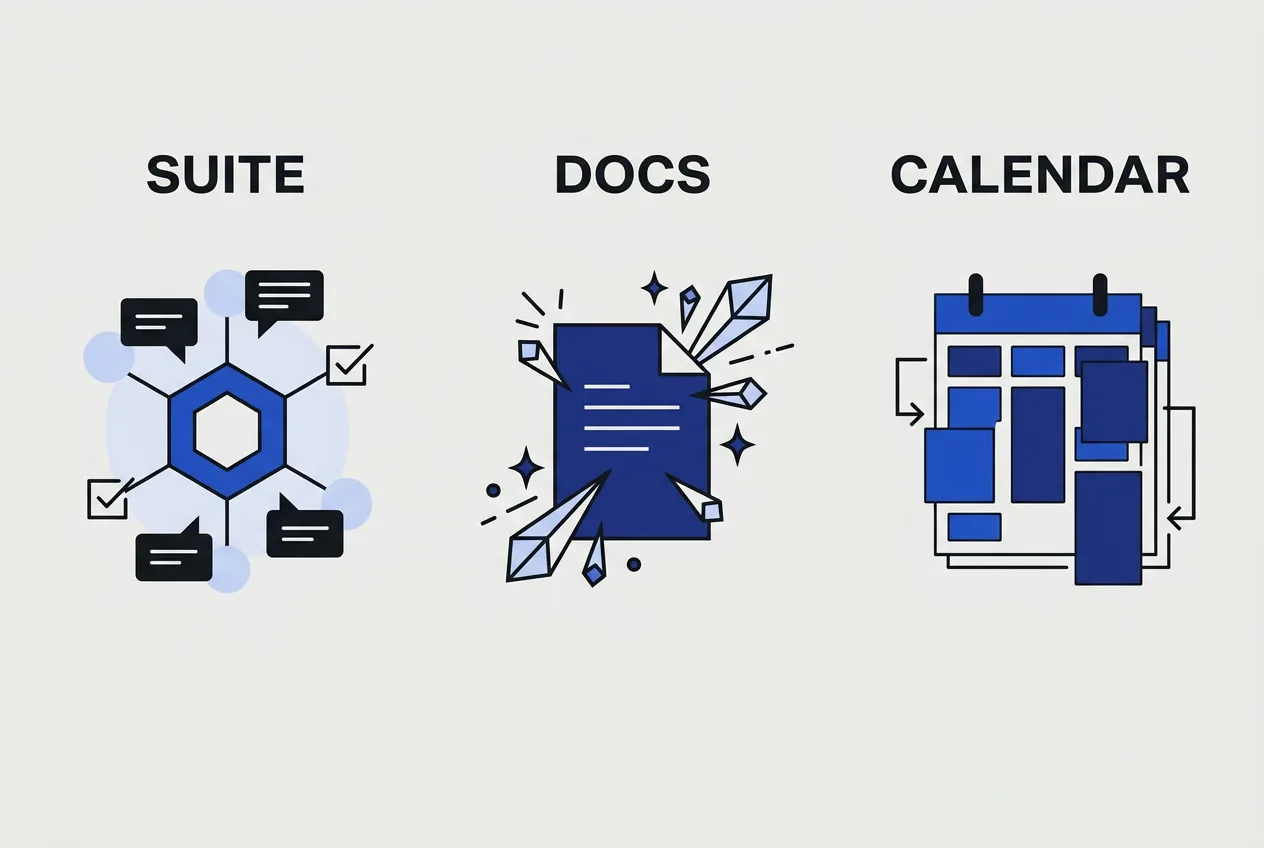
Teams with mature Notion workspaces benefit from the October agent upgrades. Long-duration tasks can now edit external files and maintain memory across sessions. The new credit system requires monitoring, especially after December 2026 when AI meeting notes begin consuming credits. Extra credits cost approximately $10 per thousand monthly.
Reclaim serves individuals and small teams that want automatic defense of focus time without replacing existing project tools. The free Lite tier supports one user and five agents with a one-week planning range. Business plans extend to 100 agents and 12-week horizons with webhooks and unlimited syncs. Many users combine Reclaim with either Lark or Notion rather than treating it as a standalone solution.
Common deployment pattern in late 2026 pairs Reclaim with one of the broader platforms. A team might keep Notion for knowledge bases, add Lark for cross-department approvals, and layer Reclaim to protect individual calendars. No public head-to-head benchmarks exist, so selection rests on the primary pain point: tool sprawl, document complexity or unprotected focus time.
Frequently asked questions
How do Lark AI agents compare with Notion AI agents in runtime?
Lark agents deploy in about one minute and handle tasks inside its modules. Notion agents now support runs longer than 24 hours with dedicated browser context after the October 2026 update.
What pricing tiers are most common for these AI productivity tools 2026?
Lark Pro sits at $12 per user monthly. Notion Business costs $20 and includes 1,500 standard credits. Reclaim Business runs at $15 with 100 agents included.
Can Reclaim replace a full project management suite?
Reclaim functions only as a calendar layer. It lacks native documents, databases or wiki features, so most teams keep it alongside Lark or Notion.
Do Notion AI credits roll over between months?
No. Credits are allocated per member each month and do not transfer or roll over. Extra credits must be purchased separately at roughly $10 per thousand.
Comments 1