AIOZ Storage MCP Server 2026: How AI Agents Access Decentralized Storage Tools
The AIOZ Storage MCP Server connects MCP-compatible AI agents to 22 tools for S3 and vector operations on decentralized storage through natural-language prompts.
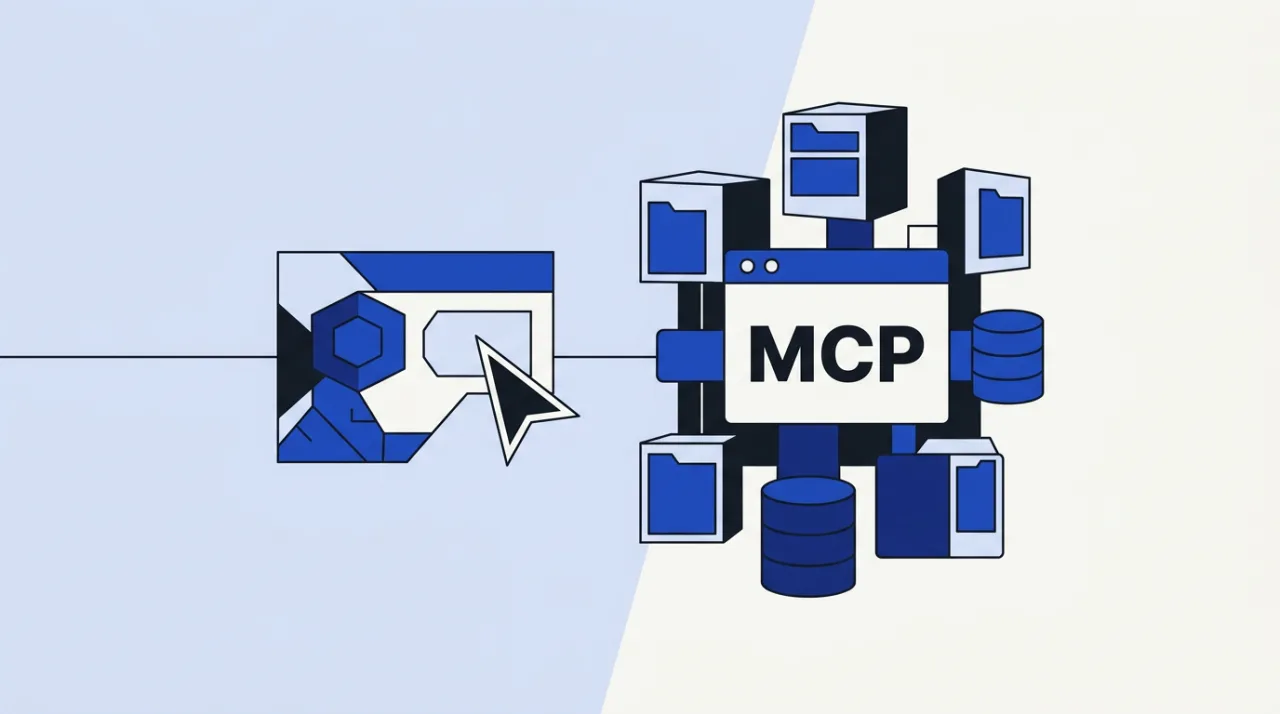
The AIOZ Storage MCP Server launched on 12 October 2026 to let MCP-compatible AI agents run decentralized storage tasks on the AIOZ Network through natural-language prompts. It exposes 22 tools across five categories and requires an HTTP SSE endpoint at https://mcp.aiozstorage.network/sse with per-call credentials. Users authenticate with an access key ID and secret, then issue prompts that trigger actions such as bucket creation or vector queries.
AIOZ Storage MCP Server Tool Categories and Functions
The 22 tools fall into S3 Buckets, S3 Objects, Vector Buckets, Vector Indexes and Vectors. S3 Buckets tools handle list, create and delete operations. S3 Objects tools support list, read, metadata inspection, presigned upload links, copy and delete. Vector Buckets tools manage create, list, retrieve and delete. Vector Indexes tools allow create, list, retrieve and delete with support for cosine, Euclidean and dot-product distances up to 4 096 dimensions. Vectors tools cover insert, retrieve, list, delete and query with metadata filters, returning between 1 and 100 results by default.
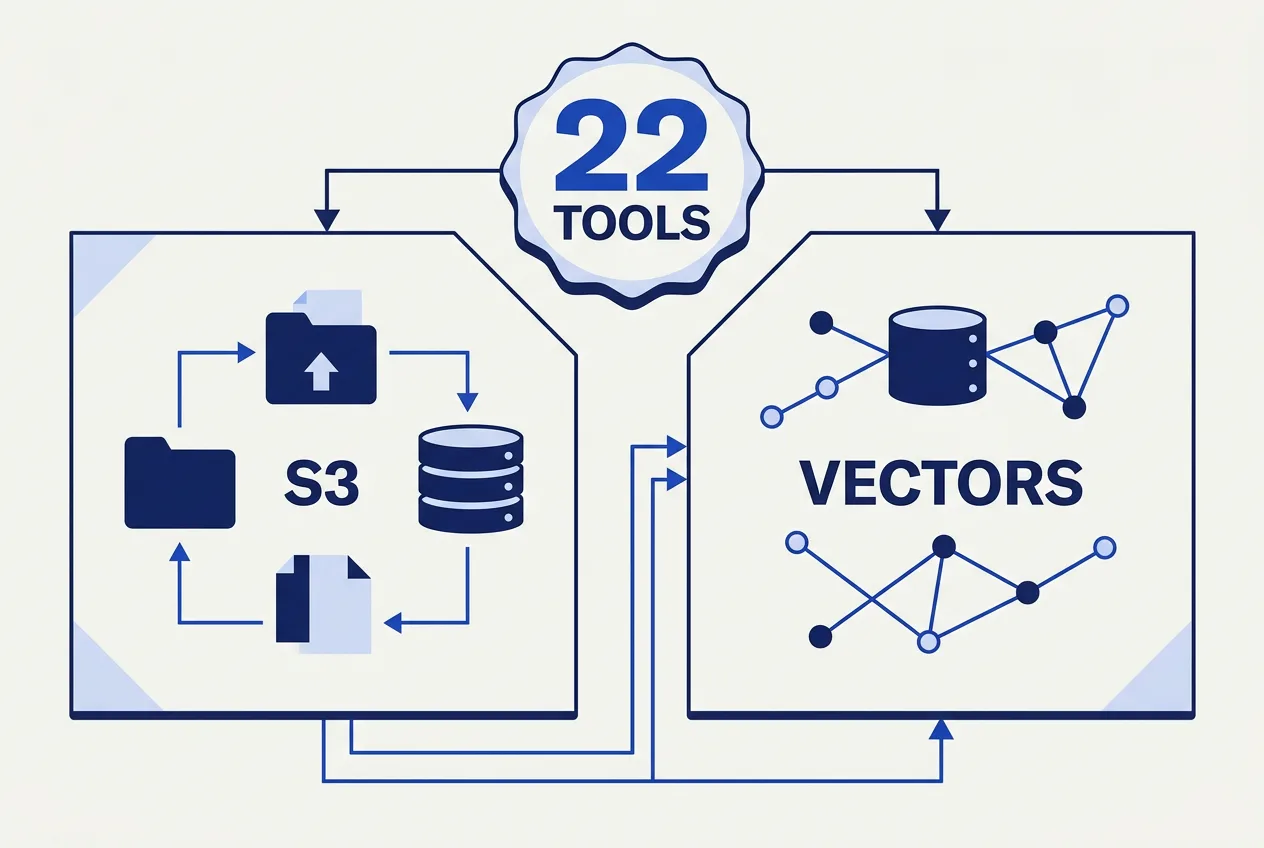
Access control uses scoped S3 Access Grants or Vector Access Grants that restrict operations to specific buckets or permission levels such as read-only. The put_s3_object tool returns a presigned URL valid for 60 to 3 600 seconds. The get_s3_object tool delivers up to roughly 1–4 MiB per call; larger files require direct S3 clients. Compatible clients include VS Code, Cursor, Claude Desktop and CLI, ChatGPT connectors and IntelliJ.
Background, Comparisons and Practical Considerations
AIOZ Storage operates as a decentralized S3-compatible object layer on the AIOZ Network DePIN, which runs on hundreds of thousands of nodes. Earlier features include a vector database for semantic retrieval and agent memory for record and recall tasks. The MCP server follows the pattern set by MinIO AIStor in technical preview and Microsoft Azure MCP implementations.
Compared with those earlier servers, the AIOZ version adds native vector index support and integrates directly with the AIOZ token payment model for storage usage. A related AIOZ Pin MCP Server with 11 tools for IPFS pinning and NFTs launched shortly afterward. No public adoption or revenue figures have been released yet.
Integrators should note that larger object transfers still need separate S3 clients and that grant scopes must be defined before first use. Prompts work across editors and agents that support the MCP protocol, but complex workflows may require explicit handling of presigned URLs and result limits.
Frequently asked questions
What endpoint does the AIOZ Storage MCP Server use?
The server listens at https://mcp.aiozstorage.network/sse over HTTP SSE. Each tool call must include an access key ID and secret for authentication.
How many tools are available and what categories exist?
Twenty-two tools are grouped into S3 Buckets, S3 Objects, Vector Buckets, Vector Indexes and Vectors. Each category provides the core operations needed for object and vector management.
Which clients support the AIOZ Storage MCP Server?
Supported clients include VS Code, Cursor, Claude Desktop, Claude CLI, ChatGPT connectors and IntelliJ, provided they implement the MCP protocol.
How are access permissions handled?
Permissions rely on scoped S3 Access Grants or Vector Access Grants that can restrict actions to specific buckets or limit them to read-only.
Comments 15