AWS File Mover Express 2026 Delivers Open-Source S3 Transfers for Large Media Files
AWS File Mover Express provides a daemon-based engine for direct S3 multipart transfers of large media files without session dependency or extra fees.
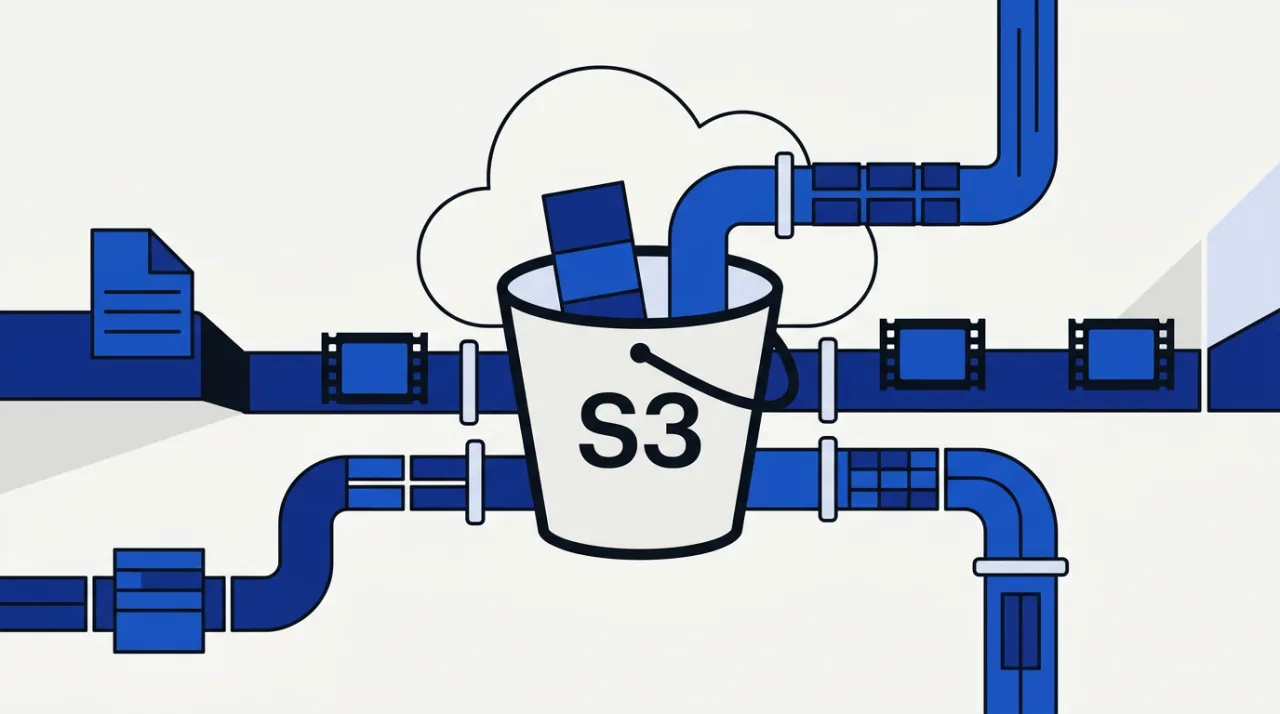
AWS File Mover Express addresses common pain points in moving terabyte-scale media assets to and from Amazon S3. Launched on October 8, 2026, the Apache 2.0 tool runs transfers through a background daemon so desktop sessions can close without interruption. It supports macOS, Windows, and Linux with a GUI option on the first two platforms and CLI on all three.
AWS File Mover Express Core Features
The transfer engine uses Go and performs direct multipart uploads and downloads to S3. Parallel streams and chunk sizes tune automatically, while users can set bandwidth limits and enable checksum verification with MD5, XXHash, or XXH3. Hot-folder monitoring triggers automatic uploads when files appear in watched directories.
Pause and resume work across sessions, and retries happen on transient errors. OIDC and SSO integration arrived in version 1.1.0, released September 24, 2026. The same release added AutoMAT scaling that defaults to a maximum of 100 concurrent transfers. Remote control is available through an MCP server for integration with AI assistants such as Claude.
Users install pre-built signed binaries for macOS and Windows or download Linux CLI packages. No licensing fees apply beyond standard S3 storage and data transfer charges. An official minimum-privilege IAM policy is supplied in the documentation, and the tool works with named profiles and S3 Transfer Acceleration when enabled.
Performance Limits and Practical Configuration
Default thread counts sit near ten with chunk sizes between 25 MB and 100 MB; both values remain adjustable. The maximum number of active transfers can exceed 100 when AutoMAT is active. Checksum calculations run in the background and cache results to avoid repeated work on unchanged objects.
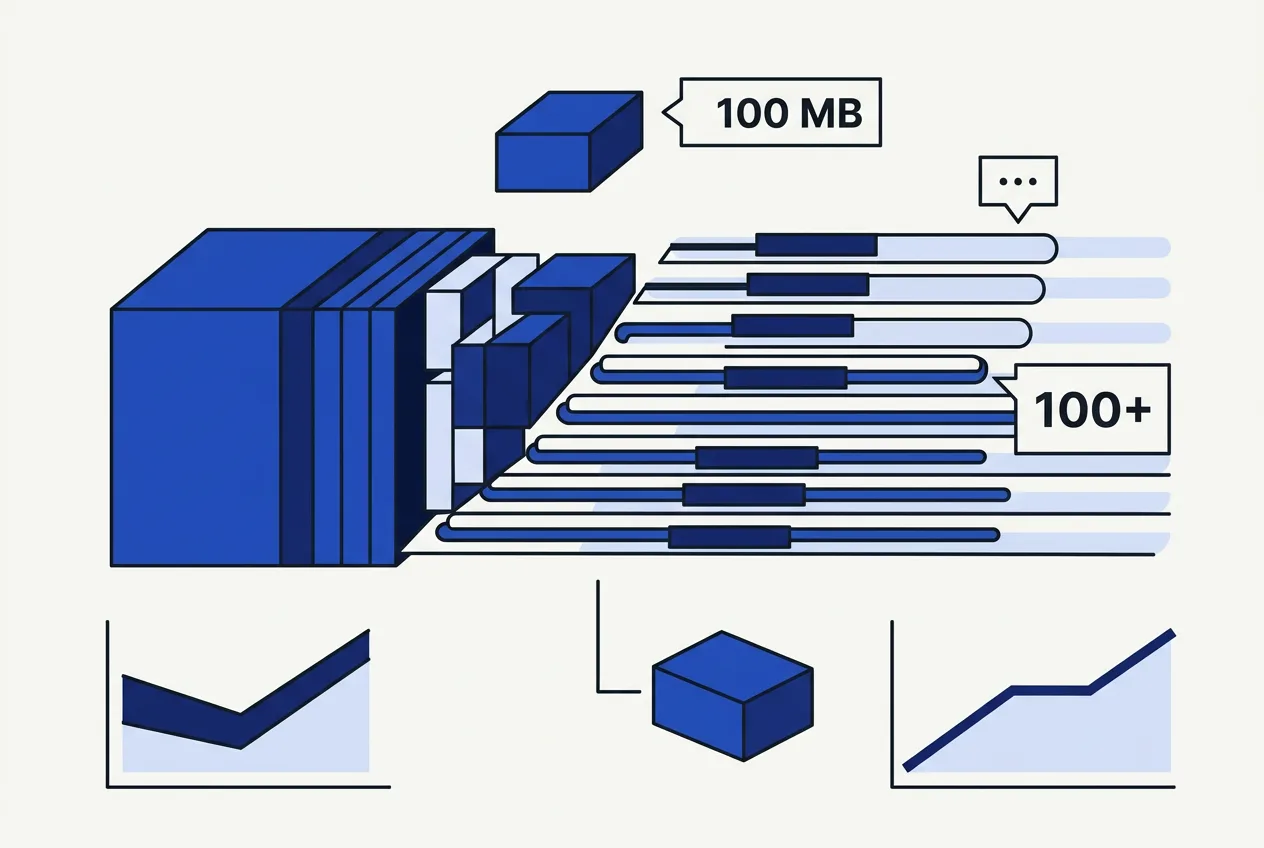
Network speed, CPU cores, and local storage I/O determine actual throughput. AWS documentation recommends monitoring these factors and making incremental changes rather than large jumps in thread count. Glacier and Deep Archive objects must be restored before download, as with any S3 client.
The absence of a hard file-size limit makes the tool suitable for camera-card ingest and daily archives in media pipelines. All created objects remain standard S3 items that other AWS services can access directly.
Comparison with Open-Source S3 Alternatives
Several established open-source tools handle S3 transfers. The table below summarizes the main differences for users evaluating options in 2026.
| Tool | Interface | Strengths | Limitations |
|---|---|---|---|
| AWS File Mover Express | GUI + CLI + daemon | Direct multipart, hot folders, AutoMAT scaling, no relays | Best-effort community support only |
| rclone | CLI (GUI wrappers exist) | Multi-cloud sync, mount support, mature small-file handling | Steep learning curve for advanced flags |
| Cyberduck | GUI | Broad protocol support, simple browsing | Slower on very large single files, fewer automation hooks |
rclone remains the choice for scripted multi-cloud workflows that include providers beyond AWS. Cyberduck suits occasional manual uploads where a familiar desktop interface matters more than maximum speed. AWS File Mover Express targets media teams that need reliable, unattended transfers of large assets without introducing third-party relays or per-seat costs.
Teams migrating from commercial tools should test checksum verification and bandwidth throttling settings against their typical file sizes. GitHub issues and release notes provide the primary channels for reporting problems or requesting features.
Frequently asked questions
Does AWS File Mover Express require any paid license?
No. The tool is released under Apache 2.0 and incurs only standard Amazon S3 storage and transfer fees.
Can AWS File Mover Express run without a desktop session open?
Yes. The Go-based daemon continues transfers after the GUI or CLI session ends on supported platforms.
How does AWS File Mover Express compare to rclone for small files?
rclone often performs better on batches of many small files due to its mature sync engine, while AWS File Mover Express focuses on large media assets with automatic chunk tuning.
What platforms receive GUI support?
macOS and Windows include a drag-and-drop GUI; Linux users rely on the CLI and daemon.
Comments 2