AWS File Mover Express Simplifies Large S3 File Transfers in Media Workflows
AWS File Mover Express offers a daemon-based engine for high-performance transfers between local systems and Amazon S3, released under Apache 2.0 in October 2026.

AWS File Mover Express addresses the need for reliable large-file movement to and from S3 in media and entertainment pipelines. Announced on 8 October 2026, the tool runs as an independent daemon that supports parallel multipart operations without third-party intermediaries.
How AWS File Mover Express Performs S3 File Transfers
The transfer engine, written in Go, executes uploads and downloads using native S3 APIs. It automatically tunes concurrency, applies pause-resume logic, and verifies integrity with MD5, XXHash, or MHL checksums. Hot-folder monitoring triggers automatic uploads when new files appear, while bandwidth throttling prevents saturation of shared links.
Users control the daemon through a cross-platform GUI built with TypeScript and Angular via Wails, a scriptable CLI, or an optional MCP server that integrates with AI assistants such as Claude or Cursor. Storage-class selection happens at transfer time, and OIDC/SSO authentication was added in version 1.1.0. All traffic uses HTTPS, and binaries are signed and notarized.
The software supports bidirectional movement across any AWS region where S3 operates. Typical workflows include camera offloads on set, dailies delivery, VFX asset exchange, and long-term archive ingestion. No intermediary servers are required, which reduces latency compared with services that route data through additional endpoints.
- Parallel multipart uploads and downloads
- Automatic retry with configurable back-off
- Direct IAM policy enforcement
- Optional SSE-S3 or SSE-KMS encryption
- TLS-protected remote daemon connections
Deployment Options and Version History
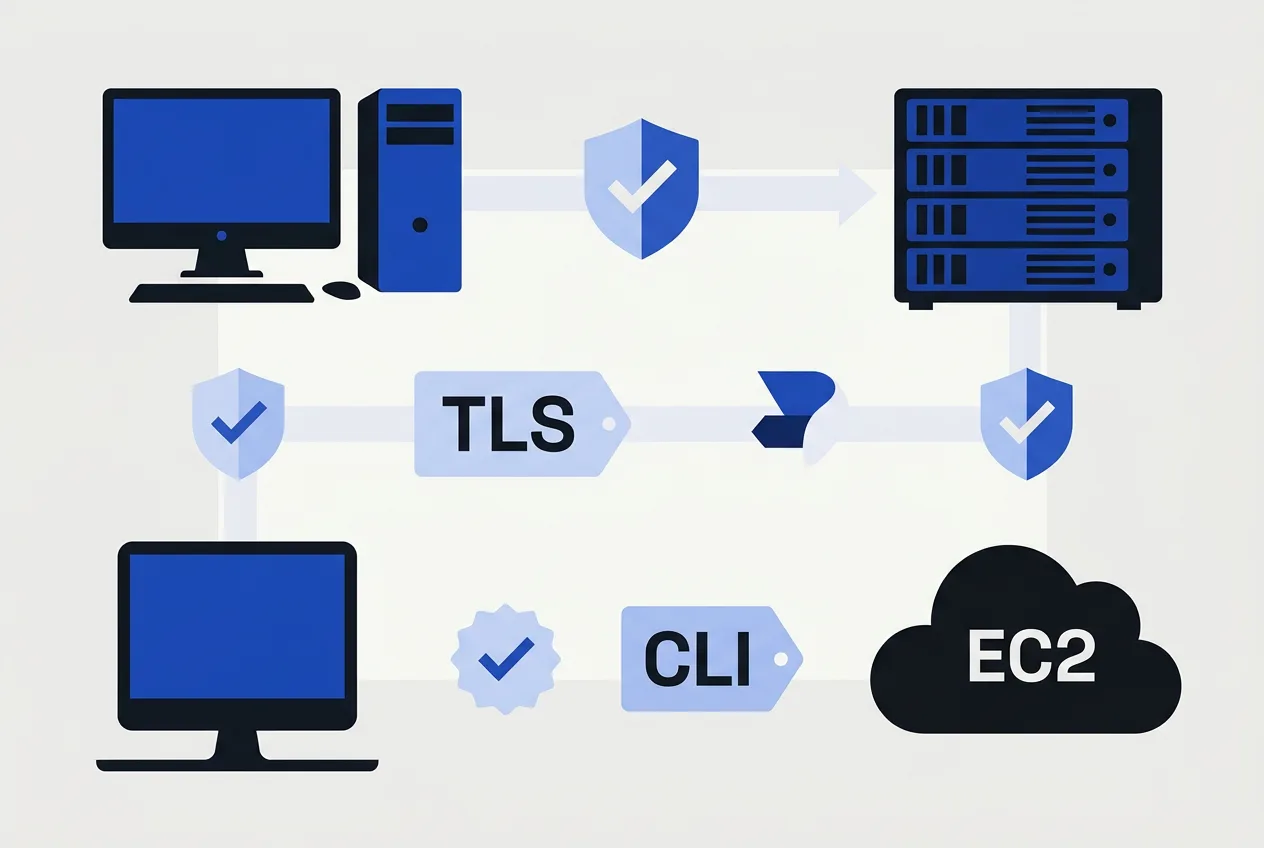
Pre-built binaries exist for macOS (Apple Silicon and Intel), Windows (x64 and arm64), and Linux headless CLI installations. The daemon can run on workstations, on-premises servers, or EC2 instances. Remote management uses the same TLS-protected protocol whether the daemon sits locally or in the cloud.
Release 1.0.0 appeared on 18 July 2026. Version 1.1.0 in September introduced OIDC/SSO and GUI refinements. The current release, 1.1.1 from 12 October 2026, contains stability fixes. All packages carry the Apache 2.0 license and remain free to download from the awslabs GitHub repository.
Standard Amazon S3 data transfer and storage charges apply; the tool itself incurs no additional licensing cost. Support occurs through GitHub issues and existing AWS documentation channels rather than dedicated customer service.
| Version | Date | Key Additions |
|---|---|---|
| 1.0.0 | 18 July 2026 | Initial daemon, GUI, CLI |
| 1.1.0 | September 2026 | OIDC/SSO, GUI updates |
| 1.1.1 | 12 October 2026 | Stability and checksum fixes |
Security Controls and Practical Limits
Access relies on minimum-permission IAM policies. In-transit protection uses HTTPS and TLS for remote daemon links. Server-side encryption options allow SSE-S3 or customer-managed SSE-KMS keys. Checksum verification occurs after every transfer segment, and signed binaries reduce supply-chain risk.
Users must still configure their own IAM roles and network rules. The tool does not provide managed queuing or billing alerts; those remain separate AWS responsibilities. Because the project follows best-effort community support, production teams typically maintain internal documentation and test procedures rather than depending on vendor SLAs.
Media pipelines benefit most when file sizes exceed several gigabytes and when transfer windows are constrained by production schedules. Smaller or infrequent transfers may continue to use the AWS CLI without measurable disadvantage. Community contributions on GitHub are expected to drive future performance tuning and additional AI-assistant integrations.
Frequently asked questions
What license covers AWS File Mover Express?
The project is released under the Apache 2.0 license, allowing free use and modification with attribution requirements.
Does AWS File Mover Express require an AWS account?
An active AWS account with appropriate IAM permissions is necessary because the tool interacts directly with S3 buckets and incurs standard storage and transfer charges.
Can AWS File Mover Express run on headless servers?
Yes, pre-built Linux packages provide a CLI daemon mode suitable for servers or EC2 instances without a graphical interface.
How does AWS File Mover Express verify file integrity?
It supports MD5, multiple XXHash variants, and MHL checksum files, performing verification after each completed transfer segment.
Comments 13