EchoFile File Sharing Pilot Tests Direct Transfers Between Google Drive Dropbox and SharePoint
EchoFile launched its cloud-to-cloud connector pilot in October 2026 to move files directly between Google Drive, Dropbox and SharePoint without extra storage or manual downloads.
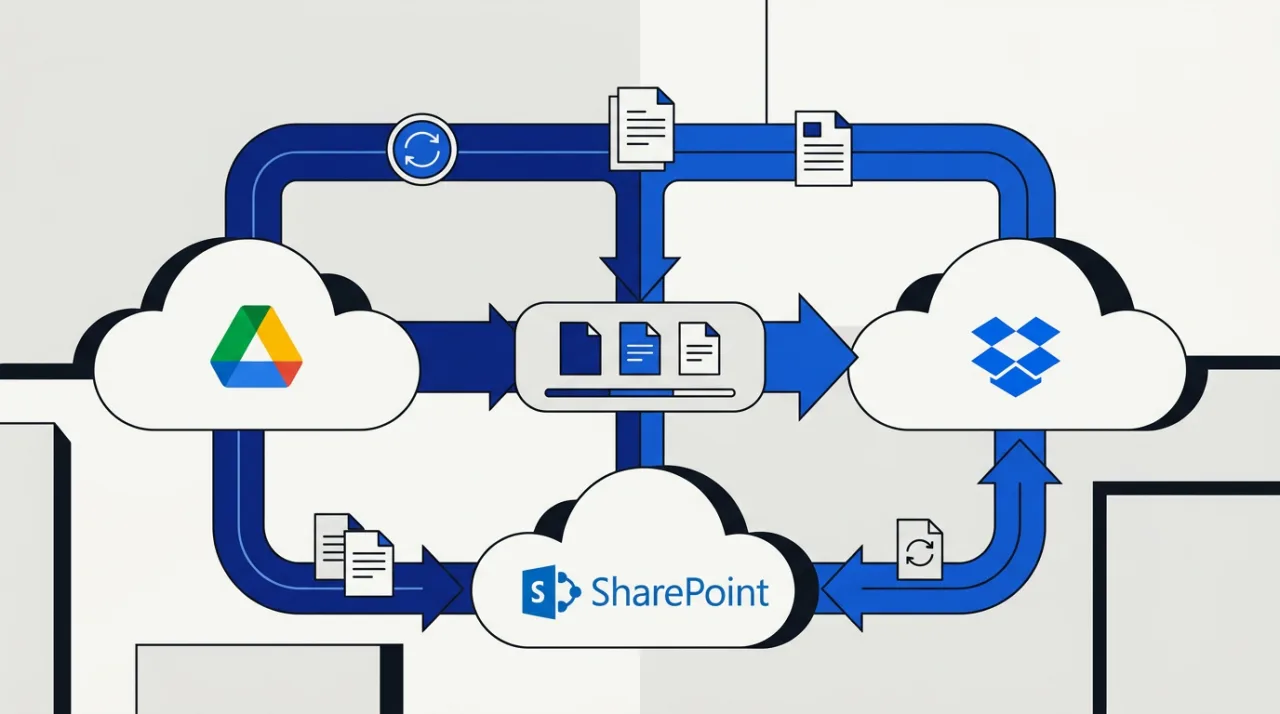
EchoFile file sharing operates as a connector rather than a storage service, allowing organizations to move files directly between Google Drive, Dropbox and Microsoft SharePoint. The pilot program, announced on 13 October 2026 by the Charleston-based company, targets teams that already maintain accounts on multiple platforms and need to collaborate without repeated downloads and uploads.
The service positions itself as lightweight piping between existing repositories. Files remain in their original locations until transferred, and the tool does not create duplicate storage accounts. This approach addresses a frequent workflow friction where client or partner organizations use different cloud providers and lack native deep synchronization options.
EchoFile File Sharing Pilot Scope and Participation Process
The pilot focuses on real client and partner file-transfer scenarios rather than one-time migrations. Participating organizations test usability during active projects and provide feedback on efficiency gains and effects on project timelines. EchoFile plans to use collected data to refine future integrations and establish recommended practices for cross-platform work.
Interested teams can review details and submit applications through echofi.io. At the time of writing, the program remains in its early evaluation stage with limited public information on exact mechanics. The company has not yet published performance benchmarks, supported file-size thresholds, or detailed permission-mapping rules.
Organizations considering the pilot should prepare clear use cases that involve recurring file exchanges with external parties. Typical participants include agencies, consultancies and enterprises that already pay for multiple storage subscriptions and want to reduce that overhead while maintaining existing folder structures.
Current Integration Targets and Documented Constraints
The initial scope covers three major platforms: Google Drive, Dropbox and SharePoint. EchoFile does not replace any of these services but routes files between them on demand. Native platform limitations still apply, such as SharePoint permission inheritance rules or Dropbox link-expiration settings, because the connector does not alter the underlying storage systems.
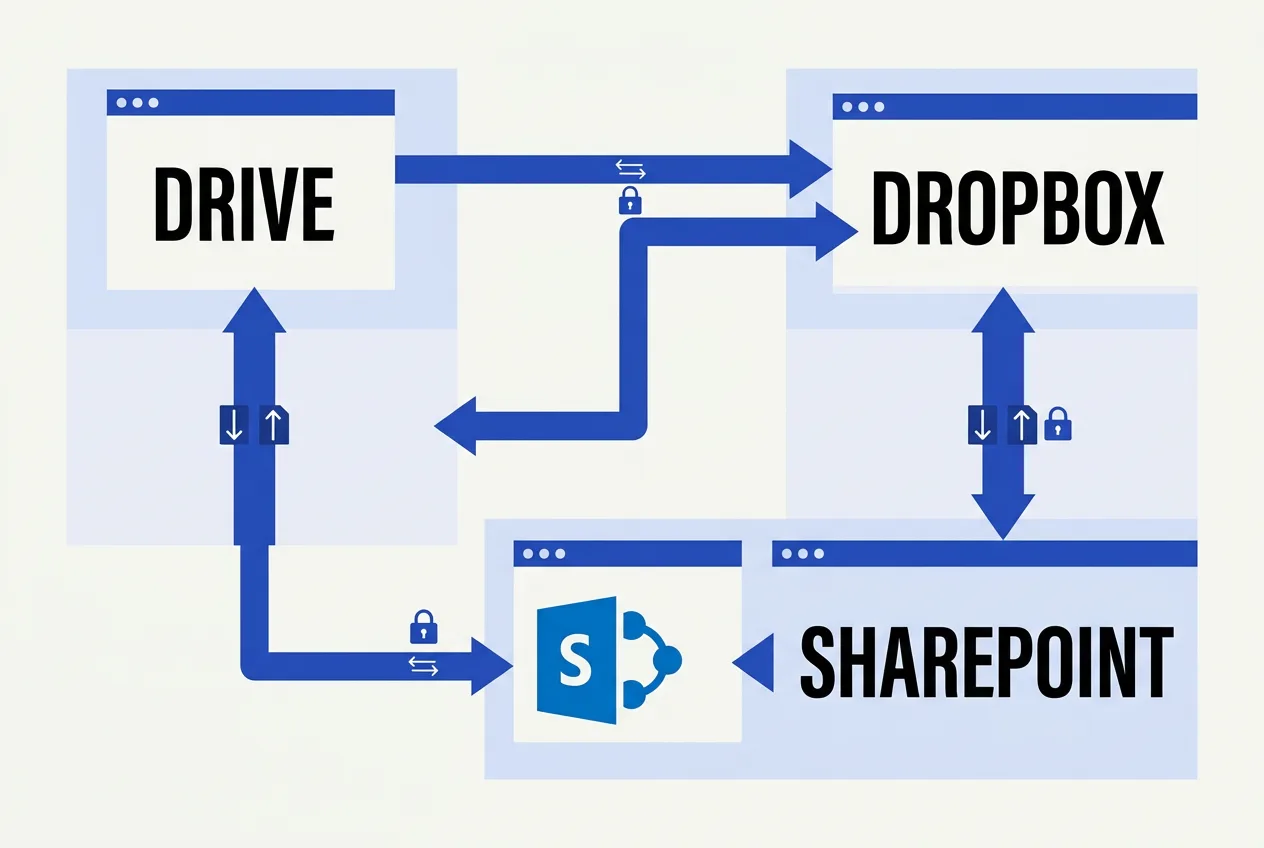
Key constraints at this stage include the absence of published details on bidirectional sync frequency, conflict-resolution methods and audit-log granularity. No independent third-party reviews or usage statistics exist yet, so teams must rely on information shared during the application process. The pilot deliberately excludes one-way bulk migration scenarios to concentrate on ongoing collaboration workflows.
Teams already using third-party sync tools should compare permission-handling behavior and logging capabilities once EchoFile releases those specifics. Until then, the main documented advantage remains the elimination of manual download-and-reupload steps for participating organizations.
- Apply at echofi.io with a description of current multi-platform file exchanges.
- Define success metrics such as reduced subscription costs or faster external review cycles before joining.
- Document existing folder structures and permission models to accelerate testing.
Practical Considerations for Organizations Evaluating the Pilot
Before applying, map which teams exchange files with external partners most frequently and which platforms those partners prefer. This exercise helps quantify potential time savings and identifies any compliance requirements that must remain intact during transfers.
Security teams should request information on encryption in transit, access-token handling and data-residency options once the pilot advances. Because EchoFile functions only as a connector, final responsibility for access controls stays with the source and destination platforms.
Early participants can influence future feature priorities by reporting specific pain points encountered during testing. The company has stated that feedback will guide decisions on additional integrations and workflow templates, making the pilot an opportunity to shape the product roadmap directly.
Frequently asked questions
How does EchoFile file sharing differ from traditional sync clients?
EchoFile acts strictly as a connector and does not store files or replace existing accounts. It moves data directly between Google Drive, Dropbox and SharePoint during active collaboration sessions.
What information is required to join the EchoFile pilot?
Organizations submit a description of their current multi-platform file workflows through echofi.io. The application focuses on recurring client or partner exchanges rather than bulk migration projects.
Are file-size limits or permission rules published for the pilot?
No detailed limits or permission-mapping specifications have been released. Participants receive this information during the evaluation phase.
Does EchoFile support ongoing bidirectional synchronization?
The pilot centers on controlled transfer workflows, not automatic continuous sync. Directionality and frequency details remain under evaluation.
Comments 7