Hostinger CDN All Plans Now Include Free Access After Efficiency Upgrades
Hostinger has extended its in-house CDN to every web hosting plan without added fees. Average server response times dropped 26 percent after optimizations.
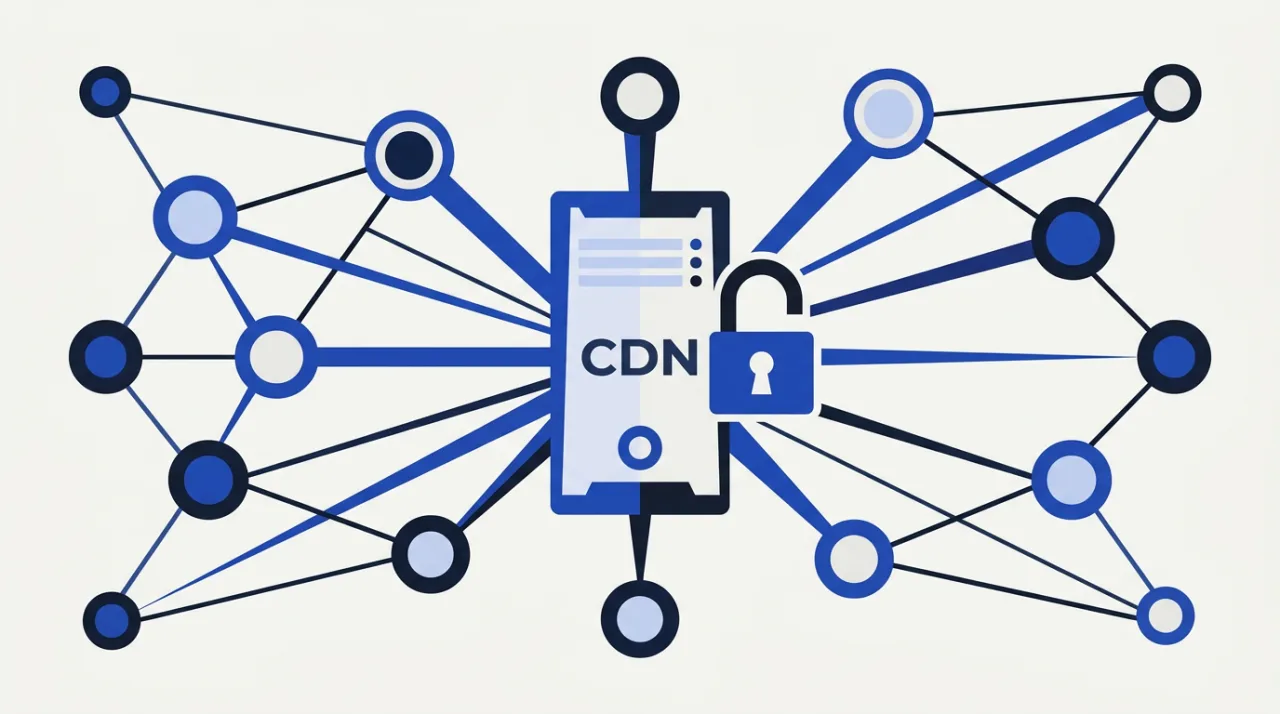
Hostinger CDN all plans now receive the service at no extra charge following infrastructure changes completed in October 2026. The company reported average server response times falling from 965 ms to 714 ms, a 26 percent improvement measured across its network.
The rollout covers Single, Premium, Business, Unlimited, Cloud, and Agency hosting. It does not extend to VPS accounts. Existing eligible sites received the feature automatically starting in August 2026 after email notifications, while new accounts activate it by default.
Hostinger CDN All Plans Performance Gains After Optimizations
Hostinger reduced CDN computing demand by 45 to 50 percent through targeted changes instead of adding servers. SSL operations switched from RSA to ECDSA certificates, cutting CPU usage to roughly one-third of prior levels. Kernel TLS and improved session resumption further lowered global CPU load by about 20 percent, while connection setup times fell from tens of milliseconds to around 3 ms via warm pooled connections.
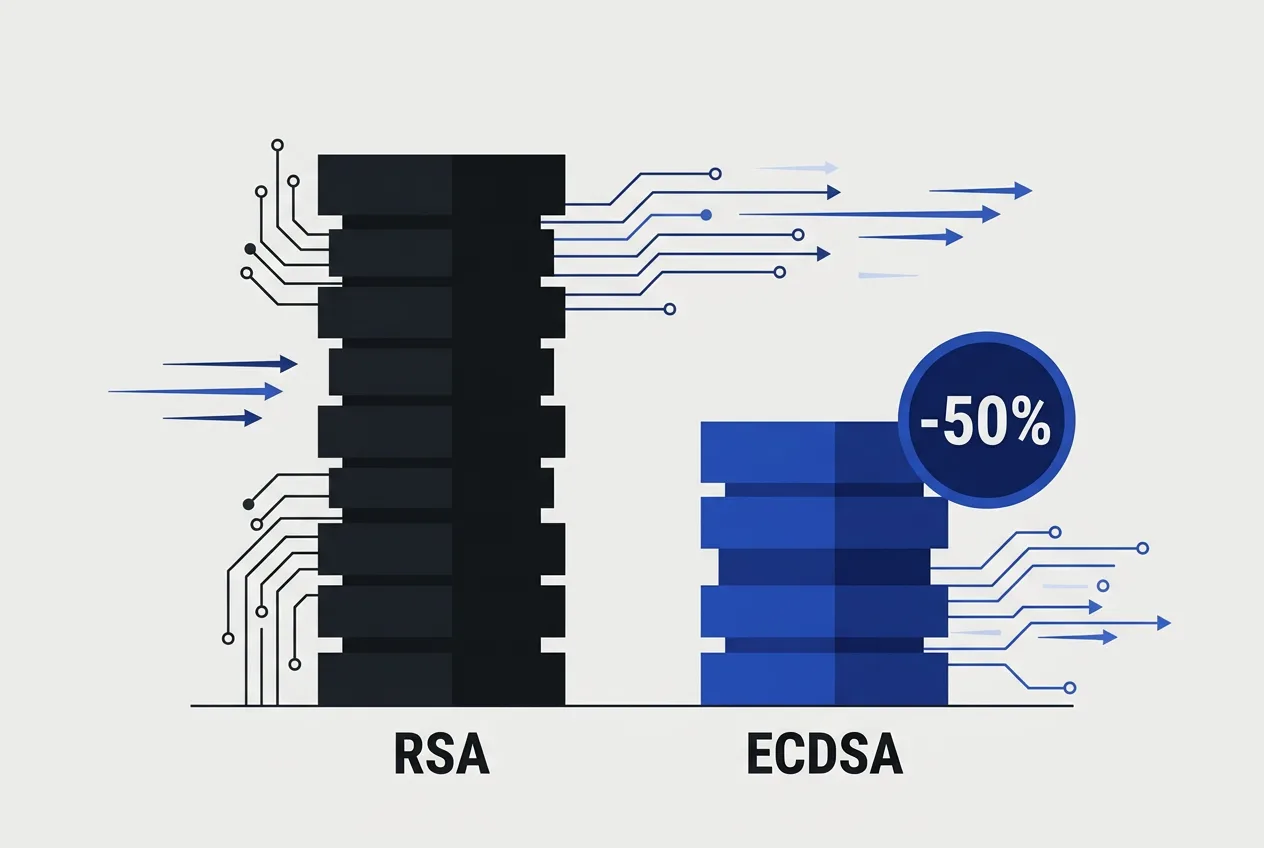
Image optimization and processing now reuse resources across the edge network. Additional reductions came from lower lock contention and native bot fingerprinting. These steps allowed inclusion of lower-tier plans that previously lacked CDN access.
Early data showed the largest gains on SSD-based servers, where response times improved 35 percent. Lower-tier servers moved from 20 to 30 percent above the Business and Cloud average load to 15 to 20 percent below it. Some sites without the CDN also benefited from reduced overall server pressure.
| Metric | Before Rollout | After Rollout |
|---|---|---|
| Average response time | 965 ms | 714 ms |
| SSD server improvement | Baseline | 35 percent faster |
| Lower-tier server load vs Business/Cloud | 20-30 percent higher | 15-20 percent lower |
Activation Requirements and Plan Differences
Domains must use Hostinger nameservers with the A record pointing to the hosting IP. DNS propagation can take up to 24 hours, though most traffic routes to the CDN sooner. Users can toggle the feature in hPanel under Performance then CDN; only one CDN may run per site at a time.
Single and Premium plans receive basic CDN functions. Advanced security options require Business or Unlimited plans. Agency hosting limits controls to enable or disable, developer mode, and cache flush. Website Builder and Horizons sites receive automatic optimization. Subdomain support, such as for shop.example.com, is scheduled for the fourth quarter of 2026.
Static files cache at edge locations for up to two hours by default or according to site headers. Optimized images cache for about 30 minutes. HTML pages cache only when marked cacheable by the site or plugin. Logged-in, cart, and checkout pages remain uncached. Image compression to WebP, resizing, and compression operate across plans. Higher-tier plans add Under Attack mode and additional security levels.
Customers should verify the option appears in their dashboard. If eligible but missing, contact support. Disabling the CDN restores direct server routing. No per-visit fees or separate subscriptions apply.
Frequently asked questions
Which Hostinger plans include the CDN after the October 2026 rollout?
Single, Premium, Business, Unlimited, Cloud, and Agency plans receive the CDN at no added cost. VPS accounts remain excluded and may use third-party options such as Cloudflare.
How long does Hostinger CDN activation take after enabling it?
DNS changes can require up to 24 hours to propagate fully, but most traffic begins routing to edge servers within minutes once nameservers point to Hostinger.
What content does the Hostinger CDN cache by default?
Static assets including images, CSS, and JavaScript cache for up to two hours. Optimized images cache for roughly 30 minutes. HTML caches only when headers allow it; user-specific pages stay uncached.
Can users disable the Hostinger CDN if performance issues arise?
Yes. The toggle in hPanel under Performance turns the service off and restores direct connections to the origin server without further changes.
Comments 2