LocalSend vs AirDrop: Open Source File Sharing Comparison 2026
LocalSend provides open-source local file sharing across Android, iOS, Windows, macOS and Linux without accounts or internet. It matches or exceeds AirDrop speeds on Wi-Fi 6 networks.
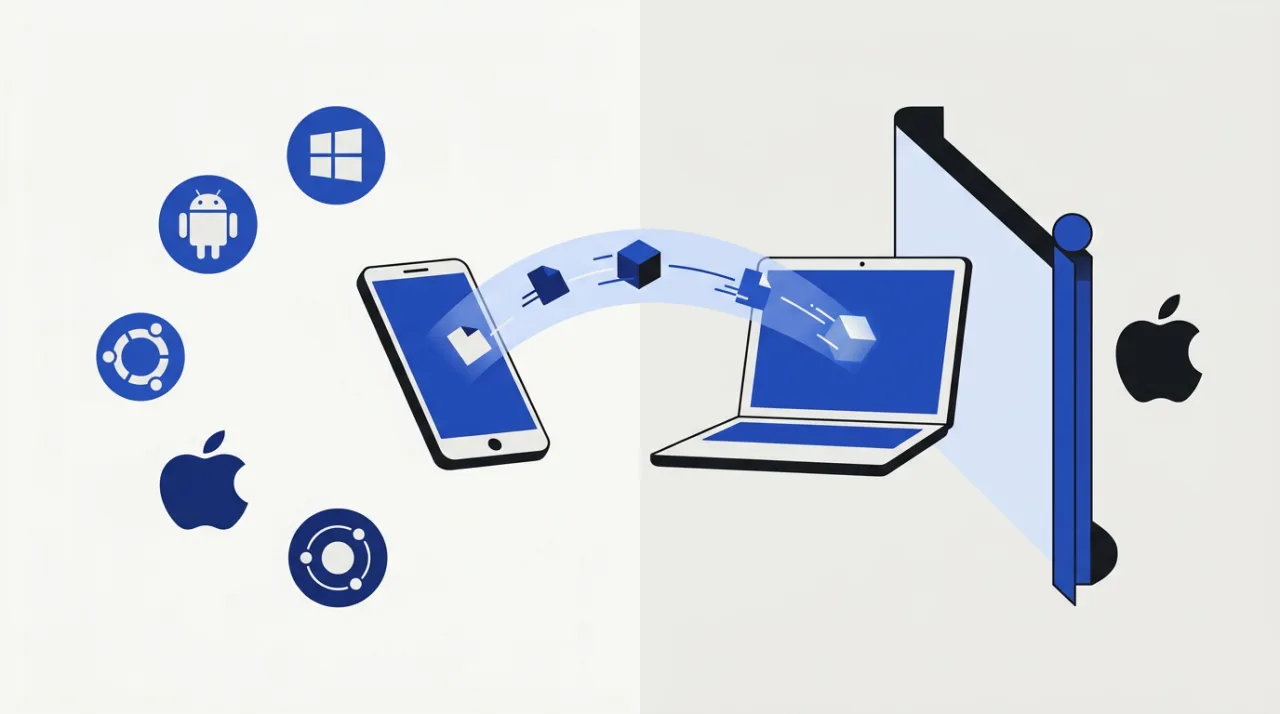
LocalSend offers a free, open-source way to transfer files and text between nearby devices over a local Wi-Fi or LAN connection. The app requires no internet, accounts, or cloud services and works on Android, iOS, Windows, macOS, and Linux. Users who need cross-platform sharing without vendor lock-in find it a practical replacement for AirDrop and Quick Share.
The latest release, version 1.18.2 from August 2026, added performance gains and compatibility fixes. The project has reached 96.9k GitHub stars and reports between 10 million and 35 million downloads across app stores. All transfers use direct device-to-device HTTPS streams with on-device TLS certificates.
LocalSend vs AirDrop: Core Differences in Platforms and Setup
AirDrop stays limited to Apple devices running iOS or macOS and often requires an Apple ID for full functionality. LocalSend runs on any of the five major desktop and mobile platforms and needs only the same local network. Both tools generate session-specific certificates, yet LocalSend exposes its source code under the Apache 2.0 license for public review.
Setup for LocalSend involves installing the app from official stores or package managers such as Winget, Homebrew, or Flathub. Devices must allow traffic on port 53317 in some firewall configurations. Once installed, devices appear automatically through multicast discovery, and users select files or text then choose the recipient. AirDrop uses Bluetooth for initial discovery and switches to Wi-Fi, while LocalSend stays on the existing Wi-Fi network.
Real-world tests show LocalSend moving a 480 MB video file in under 30 seconds on Wi-Fi 6 hardware. Transfer rates commonly reach 70 to 98 MB per second with no file-size limits imposed by the application. AirDrop achieves similar speeds within the Apple ecosystem but cannot connect to Windows or Linux machines without additional software.
LocalSend vs Quick Share: Speed, Privacy and Cross-Platform Reach
Quick Share, the successor to Nearby Share, works natively on Android and offers a Windows companion app. It supports limited iOS transfers through cloud or QR-code paths that still rely on Google infrastructure in many cases. LocalSend removes any account requirement and keeps every byte on the local network.
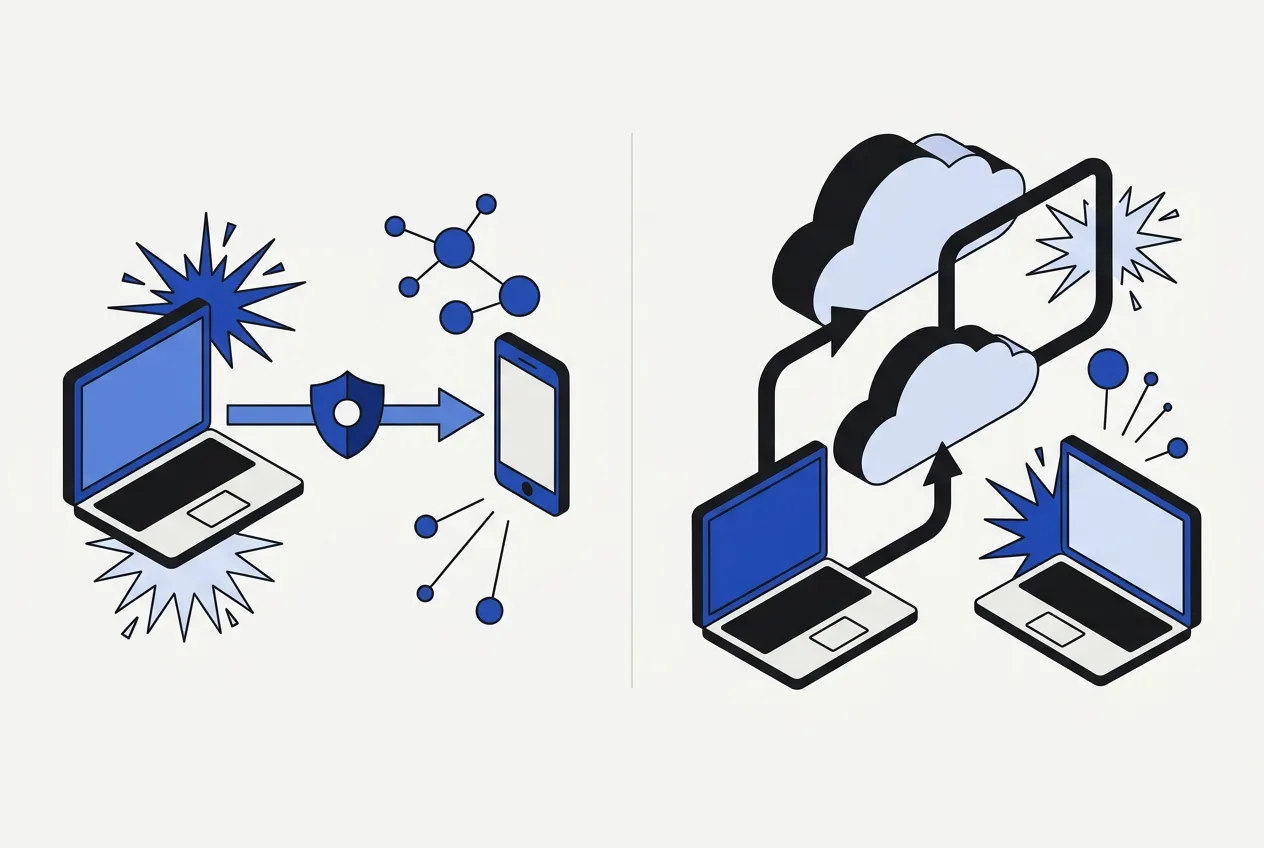
Security features include end-to-end encryption via TLS and the absence of telemetry, ads, or external servers. The Flutter and Rust codebase allows independent audits. Quick Share may log usage data when a Google account is active and routes some transfers through relays when devices are not on the same network.
| Feature | LocalSend | AirDrop | Quick Share |
|---|---|---|---|
| Supported platforms | Android, iOS, Windows, macOS, Linux | iOS, macOS only | Android, Windows, limited iOS |
| Account required | No | Apple ID optional | Google account optional |
| Network dependency | Same LAN or Wi-Fi | Bluetooth + Wi-Fi | Wi-Fi Direct or cloud |
| Maximum speed (Wi-Fi 6) | 70–98 MB/s | Comparable on Apple devices | Variable, often lower on LAN |
| Open source | Yes, Apache 2.0 | No | No |
Users who move large folders between a Linux workstation and an Android tablet report consistent full-speed transfers with LocalSend. Quick Share sometimes falls back to slower Bluetooth pairing when signal conditions vary. The open-source tool also supports drag-and-drop, share-sheet integration, and portable desktop modes that Quick Share lacks.
Common setup mistakes include forgetting to grant local-network permission on iOS or macOS and leaving firewalls blocking port 53317 on Windows. Enabling an optional PIN code adds verification without affecting transfer speed. For repeated use, pinning devices in the app reduces discovery time on subsequent sessions.
Frequently asked questions
Does LocalSend require an internet connection?
No. All discovery and transfers occur on the local network using Wi-Fi or LAN. The app functions completely offline once installed.
How fast is LocalSend compared with AirDrop on the same hardware?
Benchmarks on Wi-Fi 6 networks show similar peak speeds of 70–98 MB/s. LocalSend maintains these rates across mixed operating systems while AirDrop stays within Apple devices.
Can LocalSend send files to devices on different subnets?
No. Devices must share the same local network for multicast discovery to work. PairDrop offers a browser-based relay option when subnets differ.
Is LocalSend safe for sensitive documents?
Transfers use HTTPS with per-session certificates generated on each device. The open-source code and lack of external servers reduce exposure compared with cloud-dependent services.
Comments 8