OpenProject 17.8 AI Assistants Add Write Access to Work Packages
OpenProject 17.8 expands AI assistants with create and update functions under strict permission controls, offering an open-source option versus Jira.
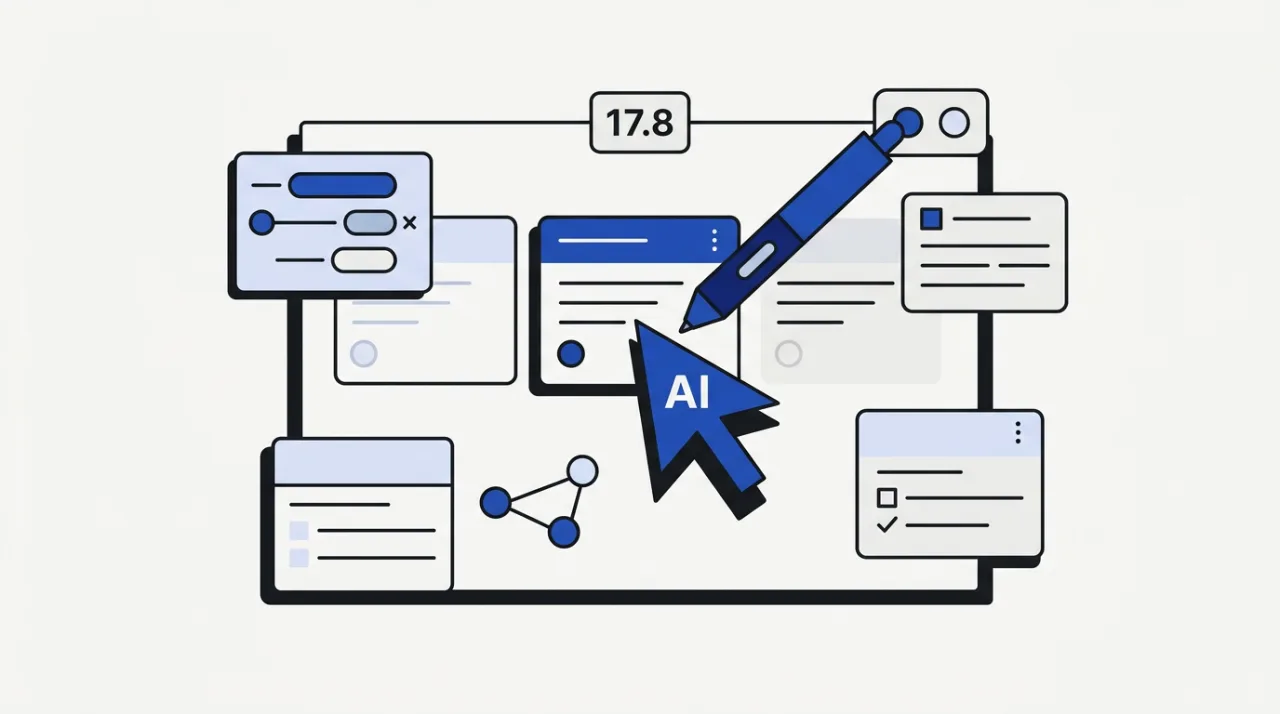
OpenProject 17.8, released on September 2 2026, introduces write operations for AI assistants through the MCP Server enterprise add-on. The update allows connected agents to create and modify work packages while respecting existing user permissions and validation rules.
OpenProject 17.8 AI Assistants Features
The MCP Server now supports creation and updates of work packages, including both standard attributes and custom fields. Assistants can add comments with emoji reactions and manage relations between work packages through create, modify, delete and retrieve actions. These capabilities build on earlier read-only functions introduced in version 17.2 in March 2026.
Additional 17.8 changes include multi-value target versions per work package, relation columns in work package tables available in the Community edition, and global time entry restrictions for Enterprise plans. Administrators can enable the new field type and set restrictions such as maximum hours per entry or per day. The release also improves wiki hierarchy navigation and meeting activity visibility in the work package Activity tab.
Teams can connect any MCP-compatible client or model. Data processing location remains under user control because the protocol is open. A follow-up 17.8.1 patch on September 30 2026 addressed security and stability issues.
Rules and Controls for AI Actions
Every AI action follows the authenticated user’s existing roles, required fields and business rules. The system applies lock_version checks to prevent overwriting concurrent edits by human users. OpenProject blocks work package deletion by AI assistants even when permissions would allow it.
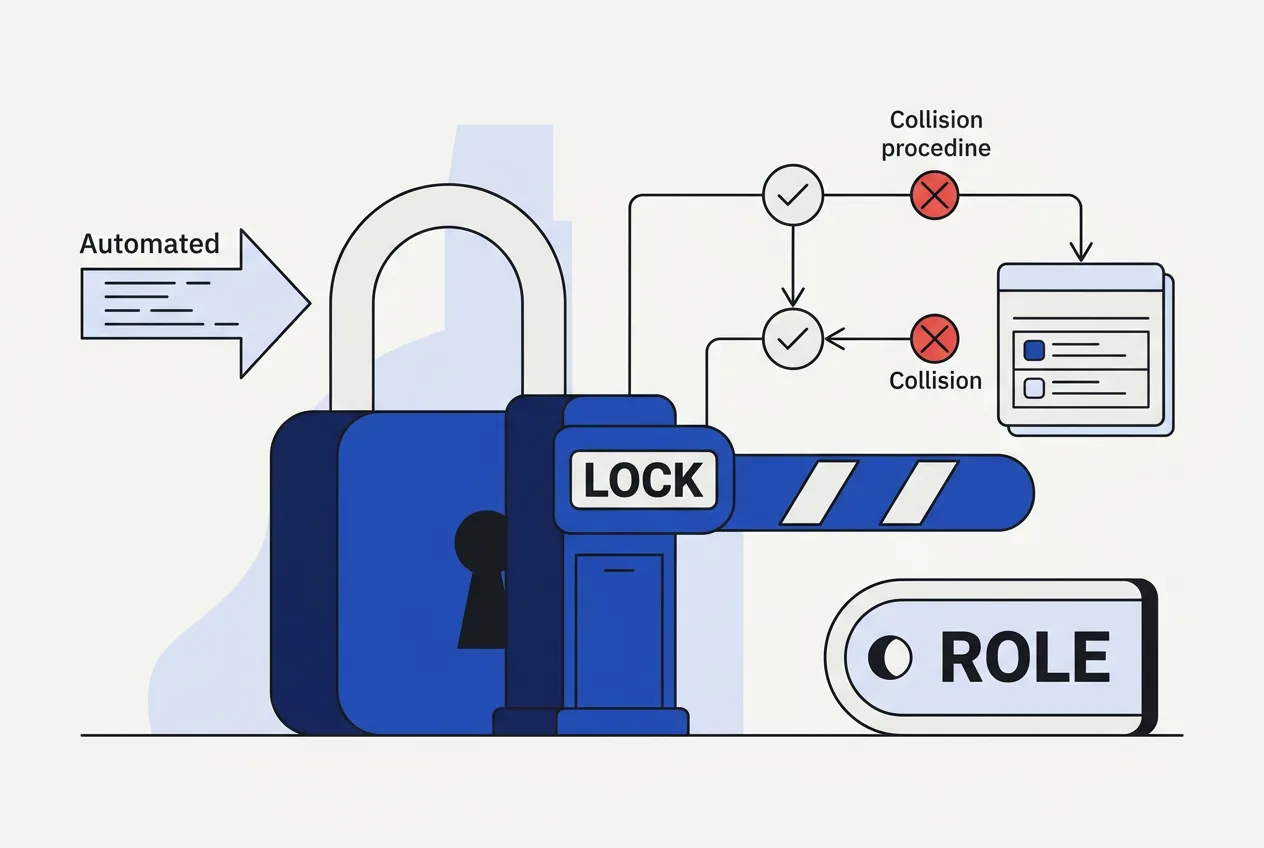
Administrators decide whether to enable the MCP Server, which tools are available and whether to disable it entirely. AI operates only through OAuth2 in the context of the logged-in user. Human review remains mandatory, and users stay accountable for final outcomes. This approach supports responsible AI use across self-hosted or on-premises deployments.
OpenProject Versus Jira for Project Management in 2026
OpenProject positions itself as an open-source, self-hostable alternative that emphasizes data sovereignty. Jira offers a larger integration marketplace and Atlassian Intelligence agents, yet many organizations seek options without vendor lock-in or recurring per-user fees.
| Aspect | OpenProject 17.8 | Jira |
|---|---|---|
| AI integration | MCP Server (open protocol), Enterprise add-on from Professional plan | Atlassian Intelligence and Rovo agents |
| Deployment | Self-hosted, on-premises, Community edition free | Cloud-first with Server/Data Center options |
| Permissions model | Existing roles enforced for AI actions | Separate AI agent permissions |
| Integrations | Core tools plus open MCP clients | Over 3,000 marketplace apps |
| Core modules | Gantt, time tracking, budgeting, agile | Core issue tracking plus extensive add-ons |
Organizations that require full control over data location and AI behavior often evaluate OpenProject first. Those already invested in the Atlassian ecosystem typically stay with Jira for its breadth of third-party connections. Both tools support classic, agile and hybrid workflows, yet their governance models differ significantly.
Frequently asked questions
What new actions can AI assistants perform in OpenProject 17.8?
Assistants can create and update work packages, add comments with reactions and manage relations. All actions respect user permissions and validation rules.
How does OpenProject control AI behavior?
Administrators enable or disable the MCP Server and select available tools. AI operates under the logged-in user’s OAuth2 context and cannot delete work packages.
Is OpenProject 17.8 free to use?
The Community edition remains free. MCP Server AI features require the Professional plan or higher as an Enterprise add-on.
How does OpenProject compare to Jira for AI governance?
OpenProject enforces existing roles and lock_version checks for every AI action. Jira uses separate agent permissions within its cloud platform.
Comments 10