The Drive AI Launch Delivers Autonomous File Management Across Multiple Platforms
The Drive AI launch adds an agent that organizes, moves and analyzes files across Google Drive, OneDrive, Dropbox and local folders without migration.
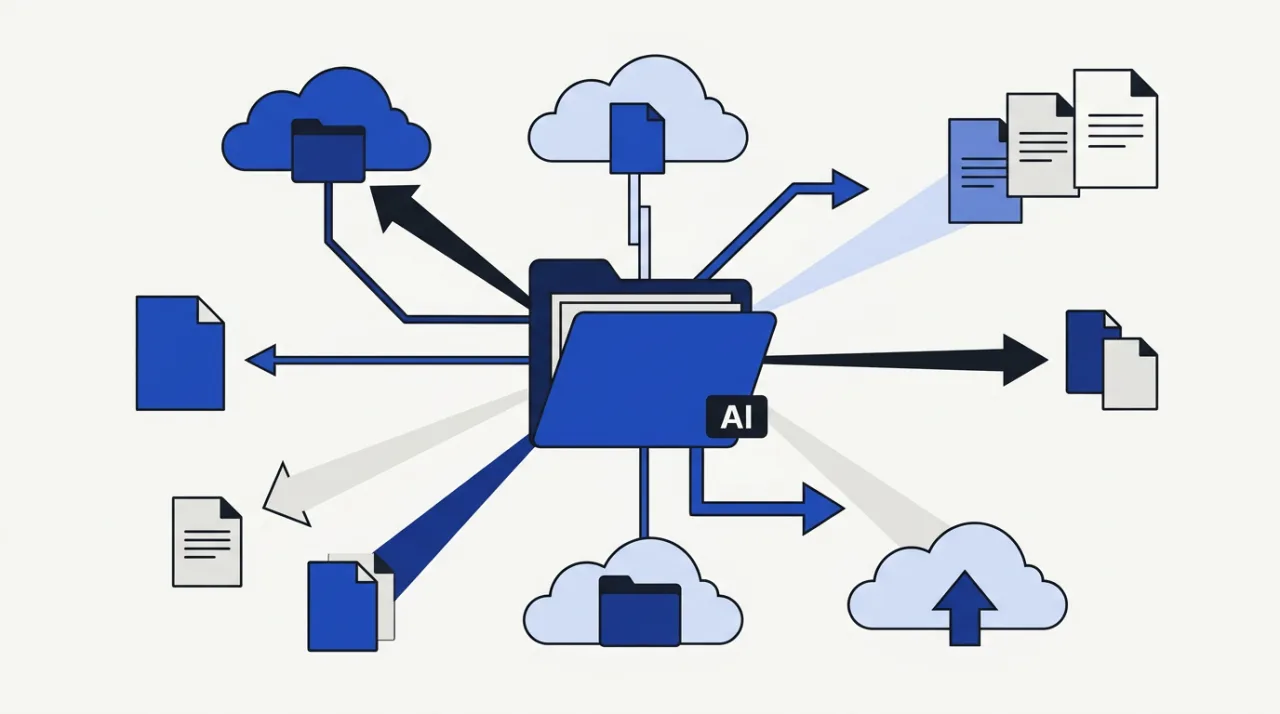
The Drive AI launch in mid-October 2026 introduced an autonomous agent that executes file operations across connected cloud and local storage through natural language prompts. The tool now handles organization, renaming, duplicate removal and document creation without requiring users to move files between services. It works directly inside existing workspaces on Google Drive, OneDrive, SharePoint, Dropbox and local Mac or Windows folders.
Users issue commands such as “move all invoices from 2025 into a new folder named Archive” and the agent proposes a detailed plan before any changes occur. Small actions can run immediately with an undo option, while larger batches or external actions require explicit approval. Activity logs track every step and respect the permissions already set on each connected drive.
The Drive AI Launch Supports Cross-Platform Actions Without Migration
The agent connects to multiple storage services through a single tree view, allowing operations that span Google Drive, OneDrive personal and business accounts, SharePoint libraries and Dropbox. A desktop helper extends the same capabilities to local folders and NAS devices. No files need to be copied or synced to a central location; the agent reads and writes in place.
Supported actions include creating folders, moving or copying files, renaming items, finding duplicates, extracting text via OCR, and generating new documents from existing content. Workflows can be saved so that new files arriving from email or specific folders are processed automatically. The system processes up to roughly 50,000 operations in background jobs that display progress and offer batch undo where the underlying platform permits.
Integration options include a browser extension, mobile apps, web interface and an MCP connector for use with Claude or ChatGPT. Files are scanned for malware and processed with encryption; the company states that user data is not used for model training.
Plans, Limits and Safety Controls After the Drive AI Launch
The assistant is available on all pricing tiers, though task volume increases with paid plans. The Max plan at approximately $99.99 per month unlocks connections to external drives and advanced workflow features. Free accounts are limited to about 20 tasks. Team and Business plans add shared workspaces and priority support.
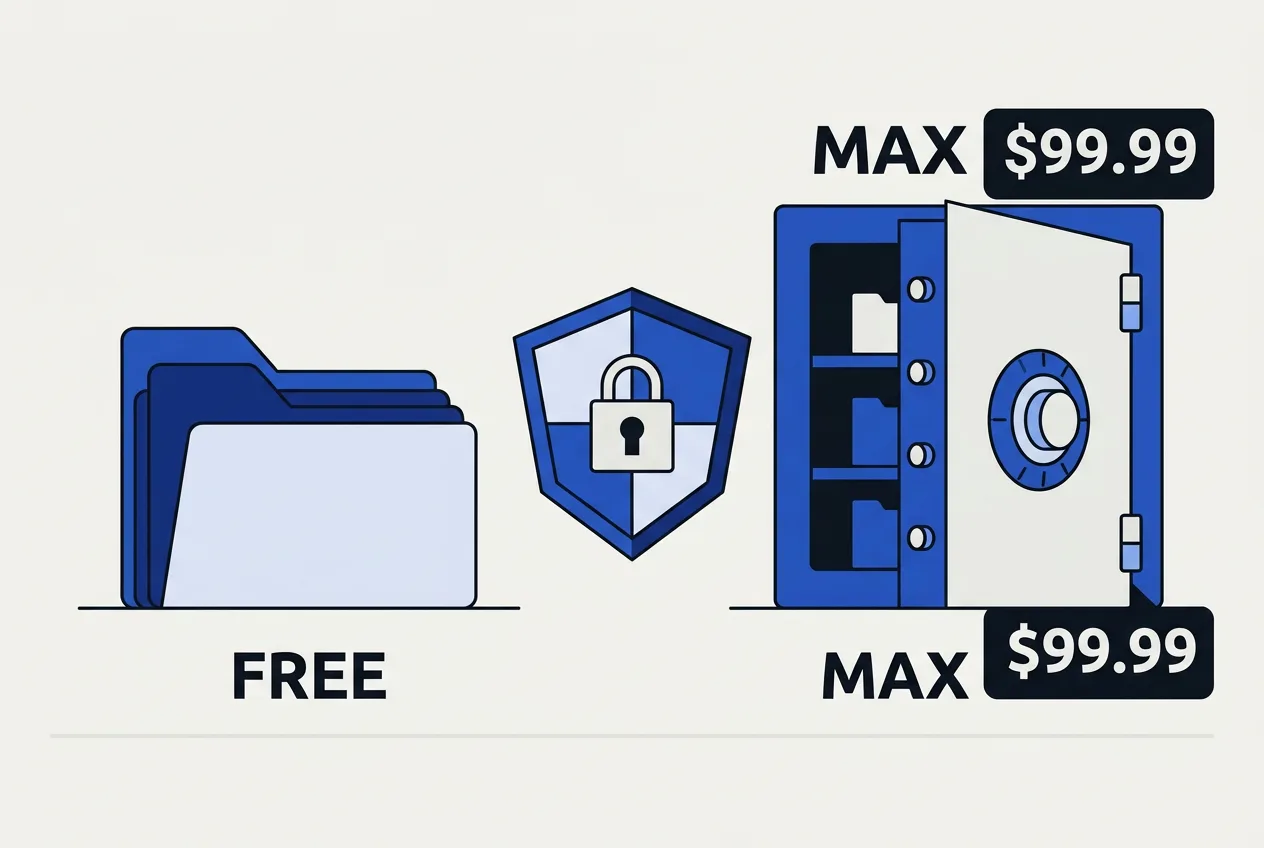
Safety measures center on human oversight. The agent presents a step-by-step plan for review on complex requests. External actions such as sharing links or requesting signatures always require confirmation. Full activity logs and permission checks are enforced at every step.
| Platform | In-Place Actions | Desktop/NAS Support | Workflow Automation |
|---|---|---|---|
| Google Drive | Yes | Via extension | Yes |
| OneDrive / SharePoint | Yes | Via extension | Yes |
| Dropbox | Yes | Via extension | Yes |
| Local folders | Yes | Desktop app | Limited |
Typical use cases appear in document-heavy fields such as legal, accounting, real estate and human resources, where teams handle thousands of files monthly. The shift from a read-only question tool to an action-capable agent came after user requests for active file management rather than search alone.
Early feedback from the Product Hunt launch on 13 October 2026 noted reliable plan generation but occasional delays on very large batches. Ongoing updates focus on desktop rollout and additional workflow triggers. Users should review approval settings before connecting high-volume drives to avoid unintended bulk changes.
Frequently asked questions
What storage services does the Drive AI agent connect to?
The agent works directly with Google Drive, OneDrive, SharePoint, Dropbox, local Mac and Windows folders, and NAS devices through a desktop helper. No file migration is required.
Does the Drive AI launch require approval for every action?
Small operations can run immediately with an undo option. Larger batches, cross-folder moves, or external actions such as sharing or signing require explicit user approval before execution.
What are the task limits after the Drive AI launch?
Free accounts allow around 20 tasks. Higher volumes and external drive connections require the Max plan at roughly $99.99 per month or Team and Business plans.
Can the agent create and edit documents as well as organize files?
Yes. It can read content with OCR, propose new documents, and perform organization tasks such as moving, renaming and duplicate removal from the same chat interface.
Comments 7