xCloud AI Assistant Update Adds Server Management and PHP Patching Tools
The October 2026 xCloud AI assistant update introduces a dashboard chat for server tasks with strict role-based permissions and confirmation steps for write actions.
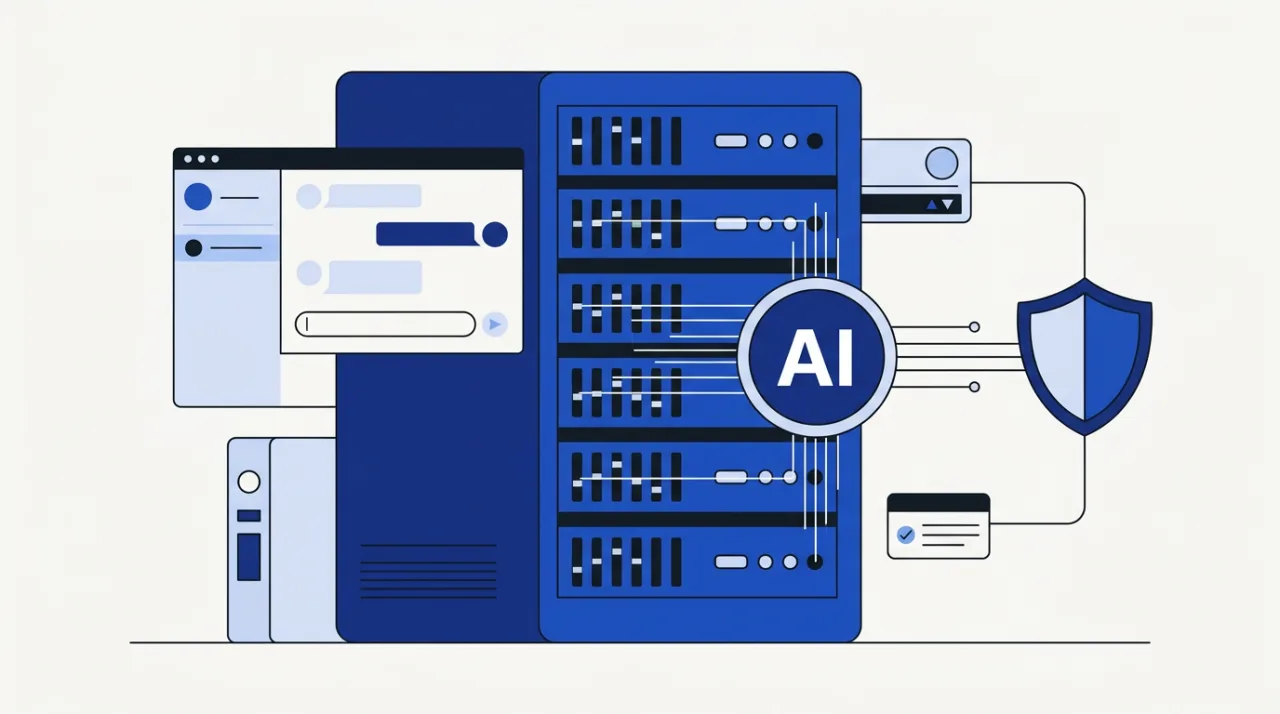
The xCloud AI assistant update released on October 22, 2026, adds a right-side chat panel inside the hosting dashboard. Users can now issue plain-language commands for server and site tasks while the system respects existing team roles.
This version 2.9.5 release arrives shortly after PHP security patches in the prior update. It focuses on practical automation rather than new infrastructure.
How the xCloud AI Assistant Manages Servers and Logs
The assistant appears as an icon next to the search field and opens a private chat visible only to the logged-in user. It lists servers and sites, reports resource usage, and reads logs to flag issues such as SSL certificate problems or missing WordPress updates.
Commands stay within the user’s assigned role, whether Owner, Server Admin or Site Admin. Suggested prompts change based on the current page, and the @ symbol lets users target a specific server or site. Message length is limited to roughly 1,000 characters with the last 20 exchanges kept in view.
Read-only mode is active by default. Actions that change settings require an explicit confirmation card before execution, preventing unintended changes.
PHP Patching Automation and Write Capabilities
In Read & Write mode the assistant can restart services, clear caches, update WordPress, install PHP versions and apply patch releases. It reports exact build numbers such as PHP 8.3.36 and can set default PHP or Node.js versions on selected servers.
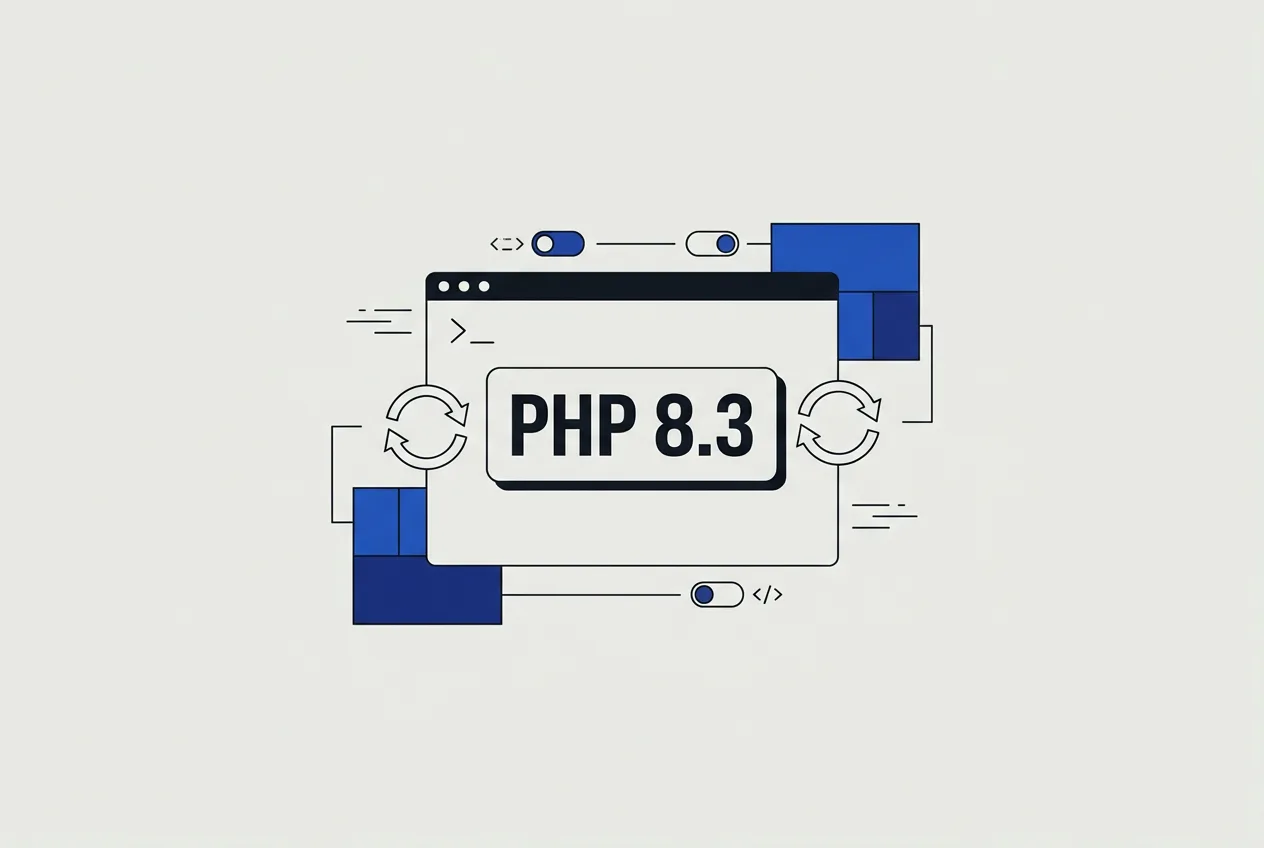
Every write action still needs manual approval through the confirmation card. The feature complements the platform’s broader automated security updates that already handle more servers and versions without manual input.
Users enable write access in My Profile under Developers by generating a seven-day API token limited to their existing permissions. Tokens can be revoked or downgraded at any time.
| Mode | Read Capabilities | Write Capabilities | Confirmation Required |
|---|---|---|---|
| Read-only | Status, logs, resource history, SSL checks | None | N/A |
| Read & Write | All of the above | Restart services, patch PHP, update WordPress, manage Node.js | Yes, via Action card |
Team Permissions and Access Controls
The assistant never exceeds the granular permissions set for each team member. It can read logs only on servers or sites the user already controls and cannot access resources outside those boundaries.
Separate support access codes remain available for up to 30 days under admin control and function independently of the assistant. Daily message limits may apply at the team level, though exact thresholds are not published.
Feedback channels remain open for the ongoing beta. The update forms part of wider web hosting AI tools that continue to appear across the industry.
Frequently asked questions
How do I enable write access for the xCloud AI assistant?
Go to My Profile, open the Developers section and create a token in the Assistant Access card. The token lasts seven days and respects your current role permissions.
Does the xCloud AI assistant work across different team roles?
Yes. It operates strictly inside the permissions assigned to Owner, Team Admin, Server Admin or Site Admin roles and only on servers or sites the user can already access.
What actions require confirmation before the assistant executes them?
Any write operation such as restarting services, applying PHP patches or updating WordPress shows an Action required card that must be approved manually.
Can the assistant read server logs without extra setup?
Log reading is available in both read-only and read-write modes as long as the user’s role already grants access to those logs.
Comments 3