OneDrive 2026 Update Adds Copilot AI Analysis and Hero Links Sharing
Microsoft rolled out Copilot integration, expanded sync capacity, and simplified sharing in OneDrive on October 20, 2026. Here is what changed and who can use it.

OneDrive 2026 update delivered general availability of Copilot in OneDrive and SharePoint, a jump in sync capacity to one million items, and Hero Links that replace multiple share URLs with a single editable link. The changes, announced at the October 20 OneDrive + Copilot event, target Microsoft 365 subscribers who need AI assistance inside existing files and folders.
The upgrade focuses on three areas: multi-file Copilot analysis, desktop sync improvements that reach one million items, and simplified sharing controls that reduce link proliferation. Rollout remains gradual and depends on subscription type and admin settings.
OneDrive 2026 Update Copilot Capabilities
Copilot now works across multiple files inside a folder. Users can ask for trend analysis from spreadsheets, generate interactive HTML dashboards, or turn folder contents into project summaries. The tool supports custom skills stored as Markdown files so teams can reuse the same prompts without retyping instructions each time. A Prompt Gallery inside the interface lists ready-made examples for common tasks.
Text-based files receive the strongest support at launch. Image and video analysis remain in preview. Multi-file actions stay limited to roughly five files per request. Results appear as editable HTML or Markdown with live preview, anchored comments, and real-time co-authoring. Full-screen presentation mode lets teams display the generated reports directly.
Access requires a Microsoft 365 Personal, Family, or Copilot license. Availability varies by account region and tenant configuration, so administrators should check the Microsoft 365 admin center for tenant-level enablement. Future phases will add more file types and higher limits on the number of files processed at once.
File Limits, Sync Performance, and Sharing Controls
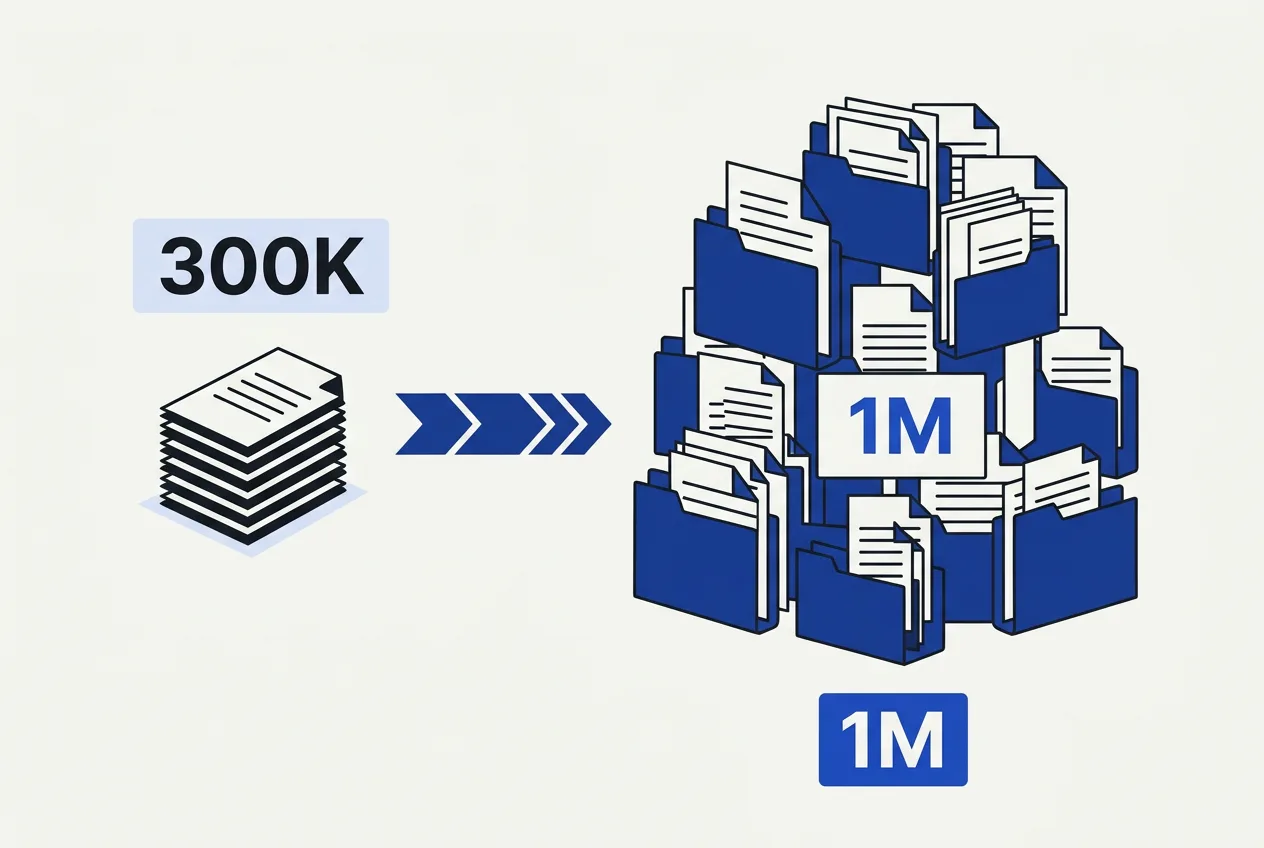
Desktop sync on Windows and Mac now handles up to one million items per device, up from the previous 300,000-item ceiling. Microsoft still recommends keeping active sync folders under 300,000 items for best performance. The client also manages longer file paths with fewer errors and runs on systems with as little as 8 GB RAM, though 16 GB or more and an SSD are advised for Windows 11 or Server 2022 and later.
Mac support entered preview in mid-October 2026 with general availability planned for June 2027. A command-line interface for sync is available in private preview for administrators who need scripted management.
Hero Links introduce a single primary share URL per file or folder. Permissions can be changed on that same link without creating new ones. By default the link restricts access to named people only; organizations can allow broader options through policy. Legacy links remain visible under a separate section. Expiring-link controls are still in development and expected to let administrators set automatic 90-day expirations that revert to the secure default.
| Feature | OneDrive 2026 | Google Drive (current) |
|---|---|---|
| Max items per sync | 1,000,000 (300,000 recommended) | 400,000 per drive |
| AI file analysis | Copilot across 5 files, HTML reports | Gemini in Drive, single-file focus |
| Primary share link | Hero Links, editable permissions | Single link with role changes |
| Photo AI tools | Unified app, natural-language search | Google Photos integration |
Readers comparing services can find additional benchmarks in the cloud storage comparison 2026 article. Next expected OneDrive additions include Copilot Search preview in late October 2026 and broader agent features in 2027.
Frequently asked questions
What subscription is needed for Copilot in OneDrive?
Microsoft 365 Personal, Family, or a Copilot license is required. Availability also depends on region and tenant settings set by administrators.
How many files can Copilot analyze at once?
Current limits allow analysis across about five files per request. Microsoft plans to raise this number in later updates.
Does the new sync client support older Windows versions?
Windows 11 or Server 2022 and newer are required for the preview. Older systems stay on the previous sync engine.
What happens to existing share links after Hero Links arrive?
Legacy links stay accessible under the Other sharing links section. New shares default to the single Hero Link model.
Comments 12